We are delighted to welcome IES Plurilingüe Castro da Uz as another Partner School Plus to our network!

Teacher María Trastoi Rego gives us an insight into her many years of experience using MathCityMap in maths lessons at her school in Spain:


“IES Plurilingüe Castro da Uz, a MathCityMap Associated School, has been integrating this tool into its Mathematics teaching practice for several academic years. During this time, our students have participated as users of the platform, completing contextualized routes and tasks that enabled them to discover mathematics in their surroundings and apply curricular content to real-life situations.

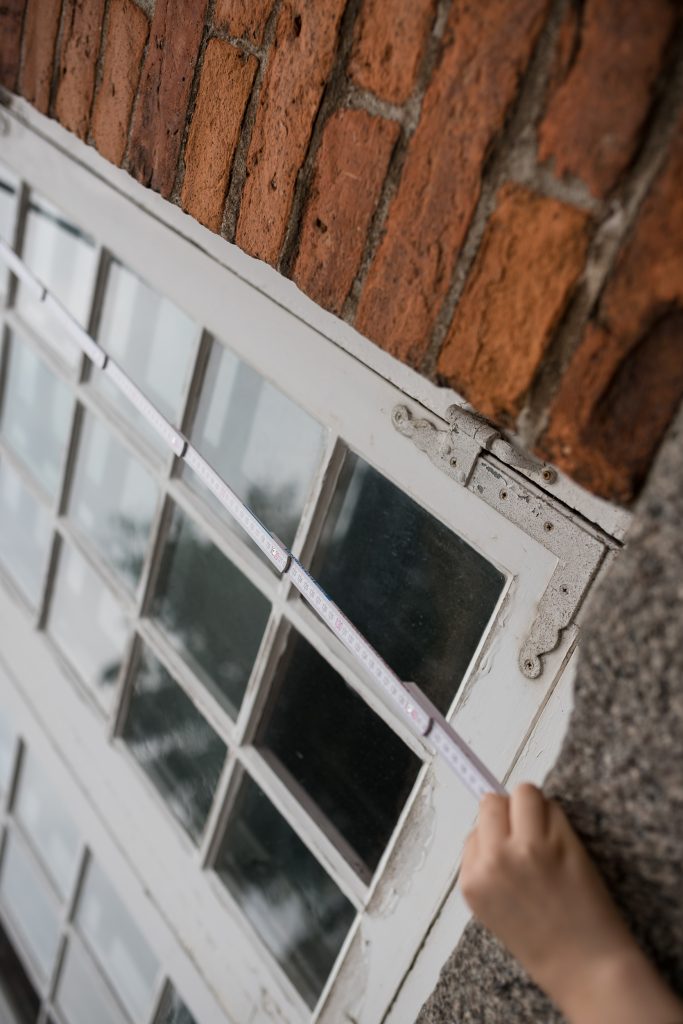
During the current academic year, we took a further step in this journey. As part of the «Geometry in Space» unit, the students in the 4th year of compulsory secondary education (15–16 years old) assumed an active role as content creators for the platform. Working in small groups, they identified elements of the school environment that could be explored mathematically, carried out measurements, designed problems related to both plane and solid geometry, and created complete MathCityMap tasks ready to be published on the platform.

As a result of this work, we created two routes on MathCityMap, which include the tasks designed by the students themselves. These routes are fully functional educational resources and demonstrate the students’ ability to apply the knowledge they acquired to authentic problem-solving situations while also enriching the collection of resources available to the MathCityMap community.

This experience proved to be highly valuable from a pedagogical perspective. Moving from being users of the platform to becoming activity designers enabled students to develop a deeper understanding of mathematical concepts, strengthen their mathematical, digital, and scientific competences, improve their communication and teamwork skills, and increase their motivation by seeing that their work could be used by other learners.

Furthermore, this change in approach is fully aligned with the active learning methodologies promoted at our school. It supports project-based learning, encourages student autonomy, and strengthens the connection between mathematics and the real world.

Looking ahead to the next academic year, we plan to continue developing this initiative. While this first phase focused on designing tasks and routes within the school grounds, our next objective is to extend the project to the urban environment by creating new routes throughout different areas of our town. In this way, we aim to offer richer and more varied learning experiences that allow students to explore the mathematics found in architecture, urban planning, and other elements of public spaces.”


We are delighted to welcome IES Plurilingüe Castro da Uz into our growing network of Partner Schools Plus and look forward to more new trails from Spain!

The package with the official partner school badge and the MCM measuring instruments is on its way and we are looking forward to receiving more applications from all over the world.

All further information on the partner school programme and the requirements for application can be found both in the article on the first MCM partner school and on the homepage of our MaSCE³ project.
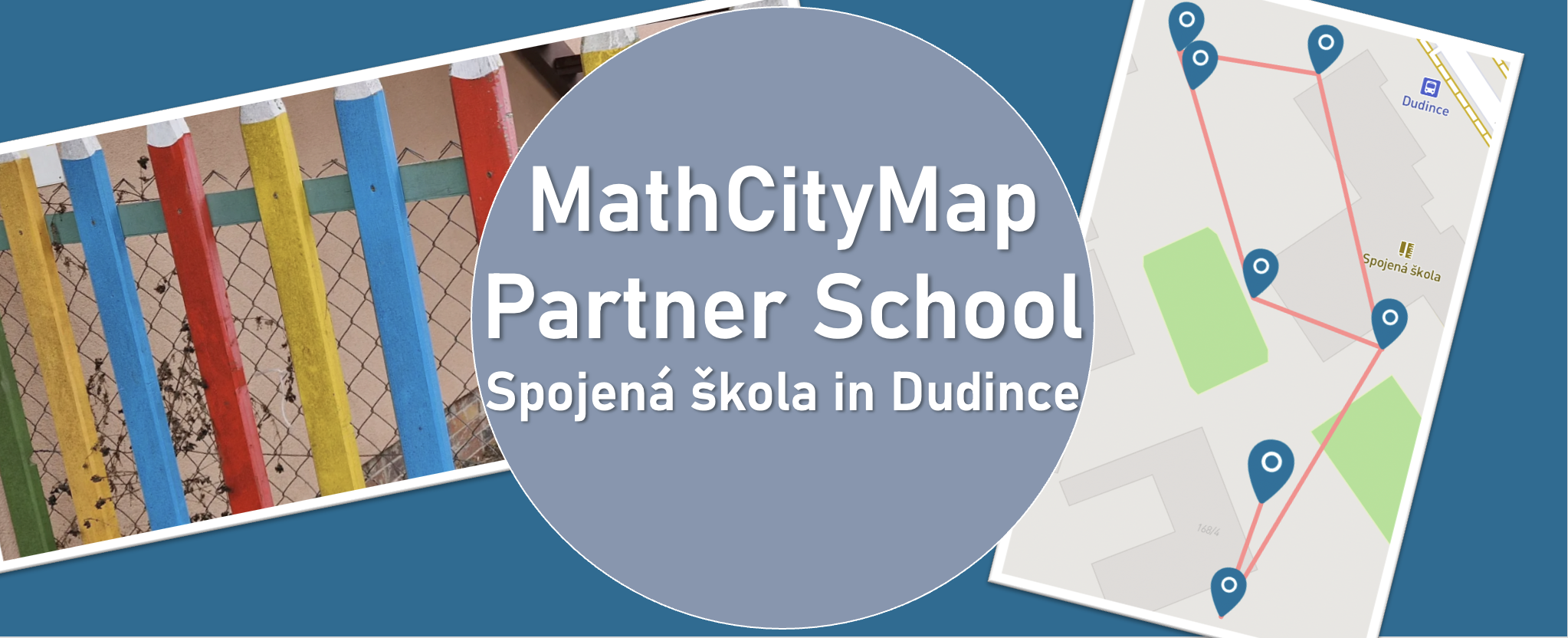
We warmly welcome ZŠ Marcelová as our new MathCityMap Partner School!

The school shares its experiences:

“During our teaching practice at the school, university students visited mathematics classes to engage and motivate pupils through interactive activities. At our school, we continuously try to teach mathematics in an interactive way, helping students not only improve their calculation skills but also recognize mathematics in the world around them. We believe that MathCityMap is an excellent opportunity to connect mathematics with real-life situations and make learning more enjoyable and meaningful for our students.”

Two new trails are now available to explore:

We’re looking forward to an exciting collaboration with ZŠ Marcelová and to discovering inspiring new trails from Slovakia!

The package with the official partner school badge and the MCM measuring instruments is on its way and we are looking forward to receiving more applications from all over the world.

All further information on the partner school programme and the requirements for application can be found both in the article on the first MCM partner school and on the homepage of our MaSCE³ project.
Preparación de clases con cuentas de alumnos

Con las cuentas de alumno de MathCityMap, puedes permitir que tus alumnos creen sus propias actividades al aire libre. Además de la forma tradicional de completar un Mathtrail, esto ofrece una oportunidad única para ver las cosas desde una perspectiva matemática. Aquí encontrarás instrucciones paso a paso que te ayudarán a preparar a tus alumnos para ello.

Paso 1: Descubre una ruta de MathCityMap

Antes de la clase prevista sobre la creación de tareas, deberías familiarizar a tus alumnos con el concepto de MathCityMap.

Pídeles que recorran un circuito matemático y que anoten sus impresiones sobre las actividades.

Paso 2: Cambio de perspectiva y cuestiones organizativas

A continuación, cambia de perspectiva con ellos: comenta la idea de crear tareas individuales y un recorrido matemático conjunto como trabajo de clase.

Aclara con más detalle cuáles serán los objetivos de tus alumnos en las actividades: ¿Deberían ser, por ejemplo, actividades de modelización? ¿Está destinado el recorrido matemático a un grupo destinatario concreto, como los alumnos más jóvenes? ¿O se va a crear para un evento especial, como la próxima fiesta del colegio? ¿Cuántas actividades se deben crear?

Es recomendable aclarar estas cuestiones de antemano para ponerse de acuerdo sobre el tipo de tareas, los temas y el público destinatario. También puede ser conveniente ofrecer a los alumnos orientación sobre cómo elaborar las tareas.

Más instrucciones

Crear tareas con las cuentas de los alumnos

Con las cuentas de estudiante de MathCityMap, puedes permitir que tus alumnos creen sus propias actividades al aire libre. Además del clásico recorrido matemático, esto ofrece una oportunidad única para explorar conceptos matemáticos. Aquí encontrarás instrucciones paso a paso que describen cómo buscar y crear actividades en el portal.

Nota: En el proyecto MATRIX, hemos creado un curso de autoaprendizaje para sus alumnos que les guía a través de algunos de los pasos que se enumeran aquí. Sus alumnos encontrarán este curso en cuanto inicien sesión en el portal con su cuenta de estudiante. Incluye instrucciones sobre cómo crear tareas y utilizar el portal web, y usted puede asignárselo como tarea con antelación si lo considera necesario.

Paso 1: Busca ideas para tareas

Una vez que hayas resuelto todos los detalles organizativos, puedes dividir la clase en equipos de tres y proporcionar a cada equipo los instrumentos de medición necesarios. Además, entrega a los alumnos suficientes copias de la ficha de trabajo para que puedan realizar la tarea (consulta la página de materiales).

Lleva a tu clase al exterior, al lugar donde se crearán las tareas. Da a tus alumnos tiempo suficiente para buscar ideas para las tareas y anotarlas en la ficha de trabajo.

Ayúdalos si no tienen ideas propias y coméntales qué te parecen las que tengan.

Paso 2: Ideas para completar tareas

Una vez que cada grupo haya recopilado ideas para las tareas, volved al aula.

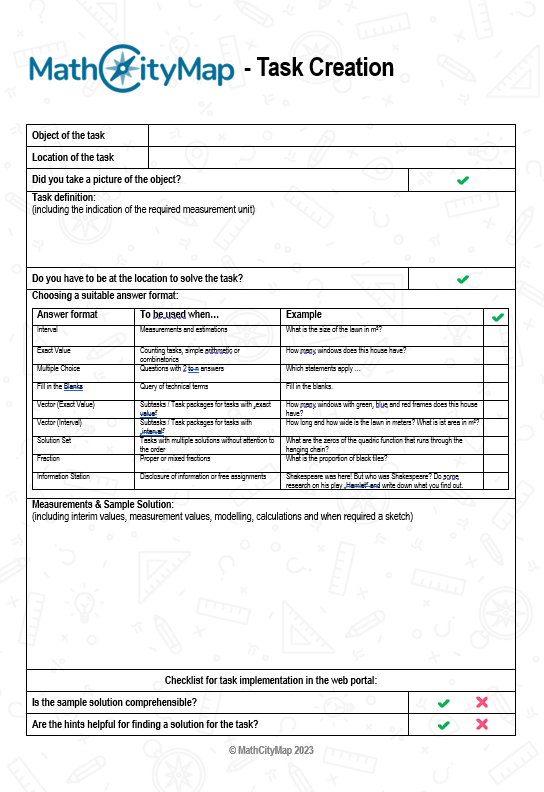
En primer lugar, los alumnos rellenan la ficha para crear tareas (véase la página de materiales); es decir, completan sus ideas de tareas con pistas y un ejemplo de solución.

Paso 3: Crear tareas en el portal

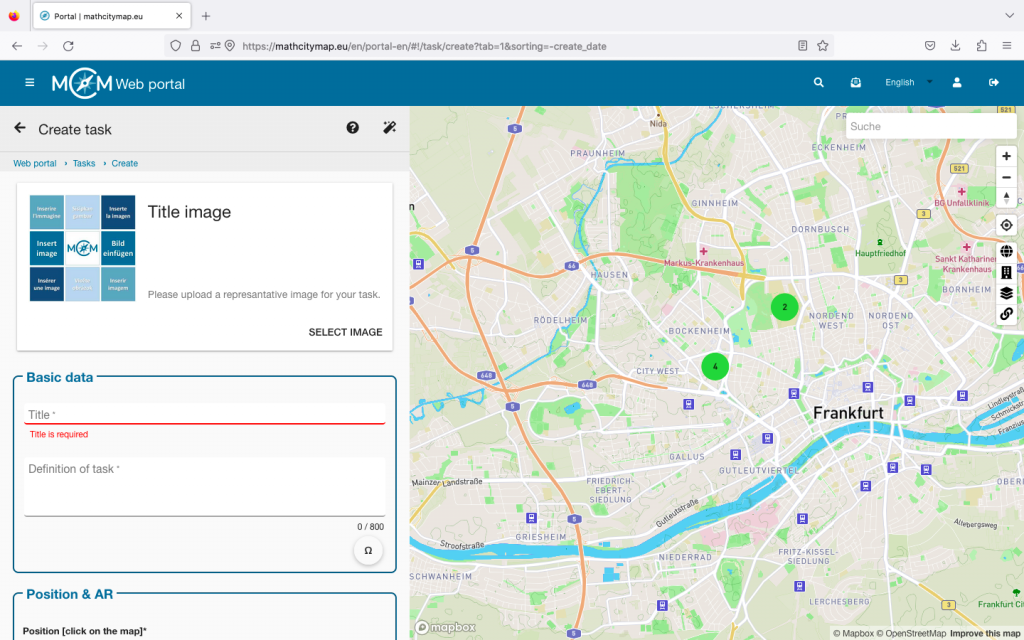
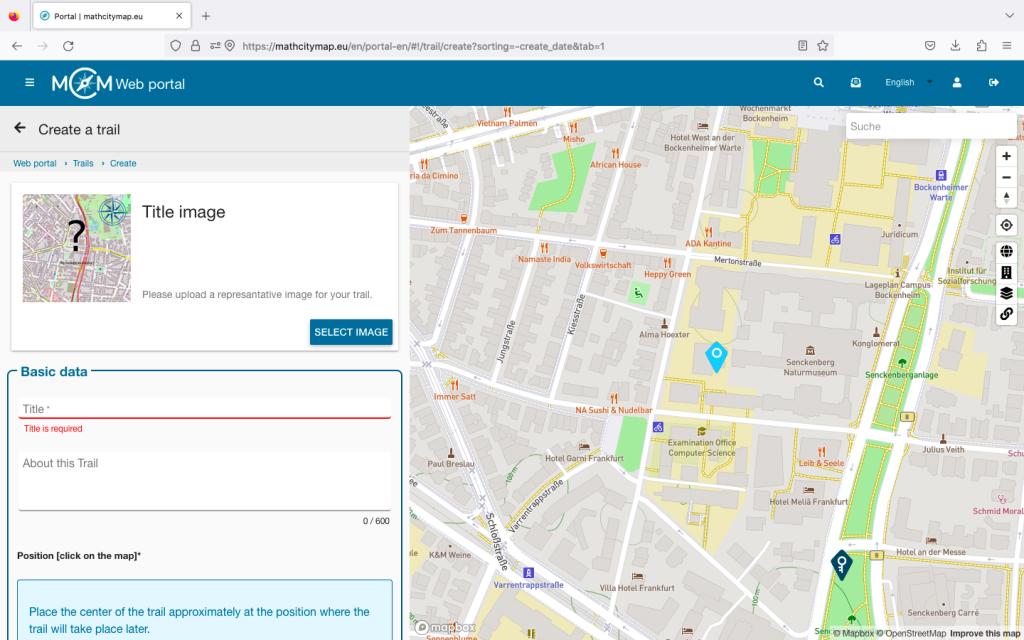
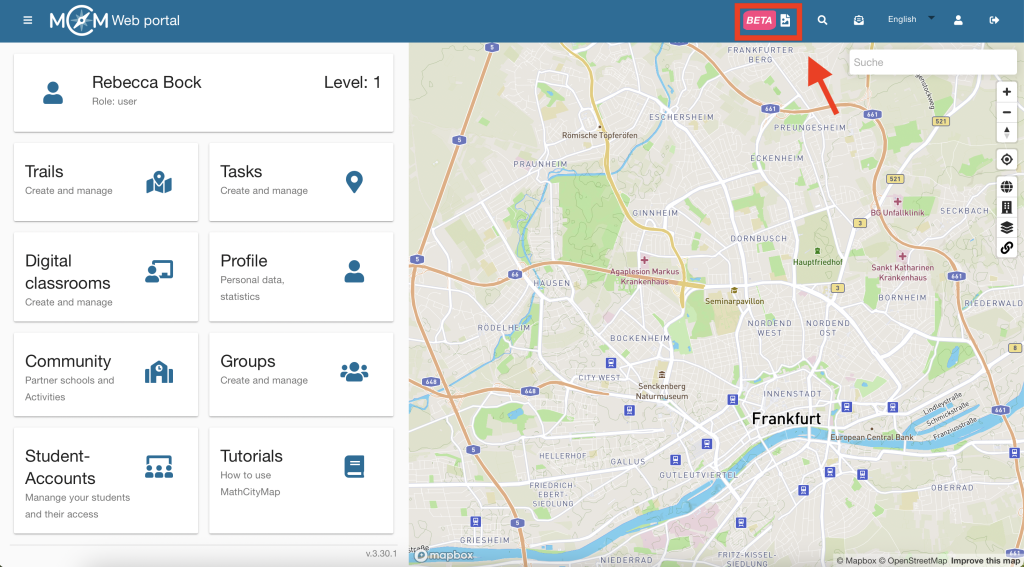
A continuación, explique a los alumnos cómo utilizar el portal web, concretamente cómo crear una tarea con sus cuentas de estudiante. El procedimiento es exactamente el mismo que con las cuentas normales.

En el siguiente paso, debes proporcionar a cada alumno los datos de acceso de una cuenta de alumno que hayas creado previamente. Puedes aprender a crear estas cuentas en los tutoriales «Creación de grupos de aprendizaje» y «Gestión de grupos de aprendizaje».

Ahora pide a tus alumnos que creen las tareas en el portal web.

Más instrucciones

Revisión por pares y creación de un registro

Con las cuentas de alumno de MathCityMap, puedes dejar que tus alumnos creen sus propias actividades al aire libre. Además de recorrer un «Mathtrail» al estilo clásico, esto ofrece una oportunidad especial para ver el mundo a través de una perspectiva matemática. En esta guía paso a paso aprenderás cómo mejorar tus actividades y combinarlas en un recorrido conjunto.

Paso 1: Iniciar la revisión por pares

Una vez que tus alumnos hayan creado sus trabajos en el portal web, podrás iniciar la revisión por pares. Esto implica la configuración técnica del portal web, de modo que tus alumnos puedan escribir comentarios en él.

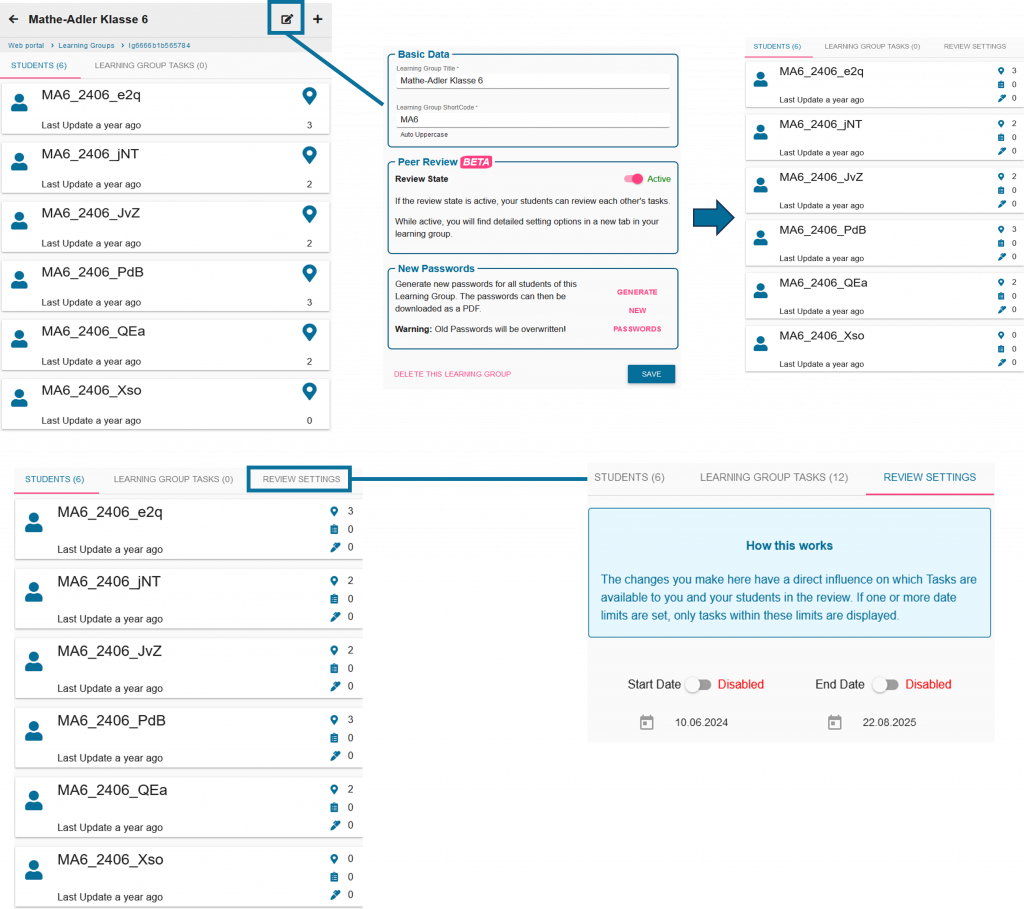
Para hacer esto, haz clic en el símbolo de edición junto a tu grupo de estudio y activa la revisión por pares

También puedes configurar una hora de inicio y una hora de finalización en los ajustes de revisión.

Paso 2: Organización de la revisión por pares

Comenta con tus alumnos qué grupos pequeños se encargarán de probar cada tarea. A continuación, tus alumnos volverán a salir al exterior con sus instrumentos de medición.

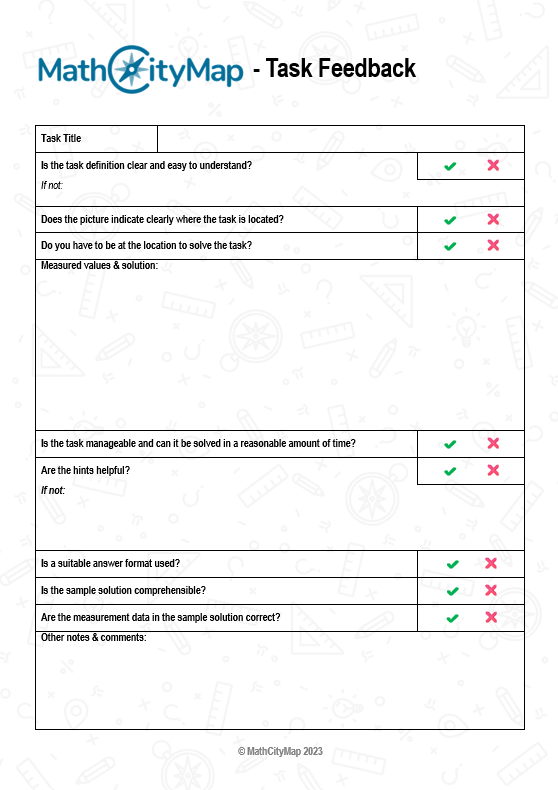
Además, cuentan con el apoyo de la hoja de trabajo de revisión por pares (véase la página de materiales), que adopta la forma de una lista de verificación para ofrecer comentarios constructivos.

Paso 3: Escribe comentarios e incorpora las sugerencias recibidas

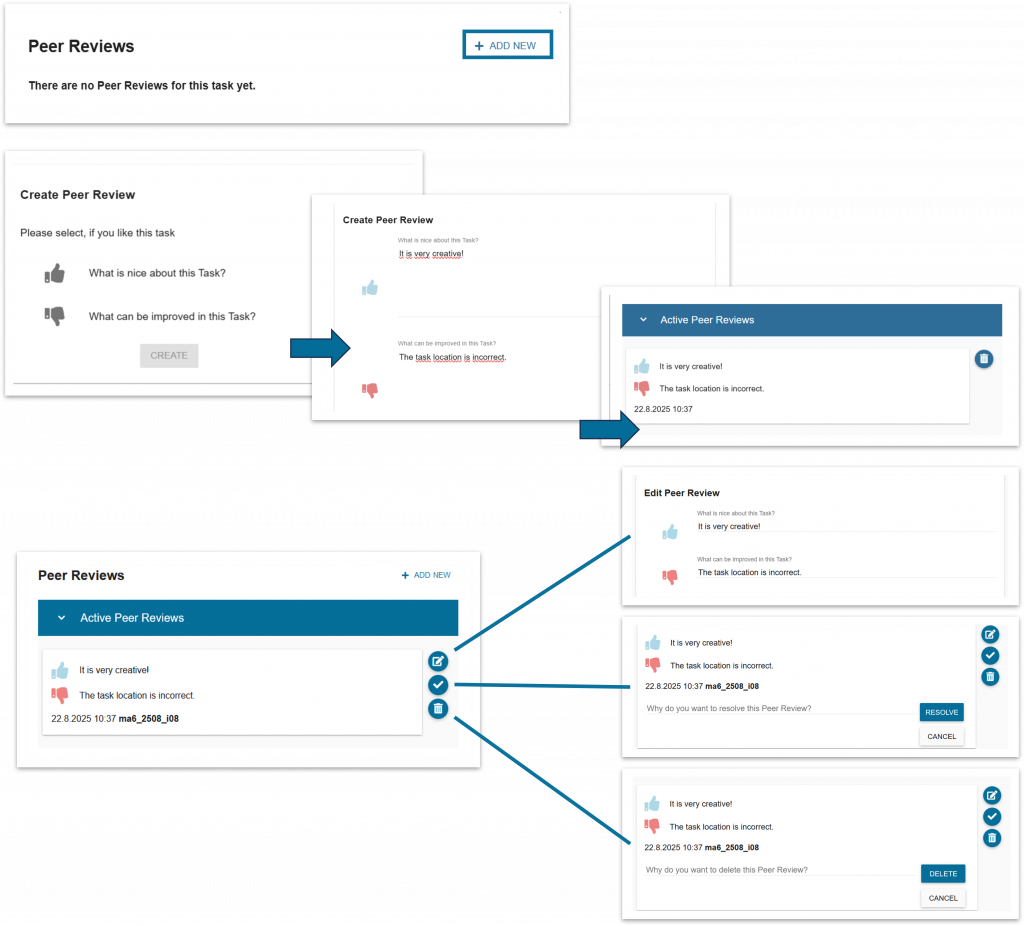
Una vez realizadas las tareas, los alumnos introducen sus comentarios en el portal web.

También puedes ver los comentarios de tus alumnos e intervenir si es necesario.

A continuación, da tiempo a tus alumnos para que tengan en cuenta los comentarios de la clase y revisen las tareas.

Paso 4: Crea el recorrido

Una vez que todos hayan completado este proceso, podrás crear un recorrido a partir de las tareas de tus alumnos.

Esto funciona a través del campo de ruta habitual.

Las tareas de los alumnos siempre se muestran como marcadores de color rosa.

Instrucciones adicionales

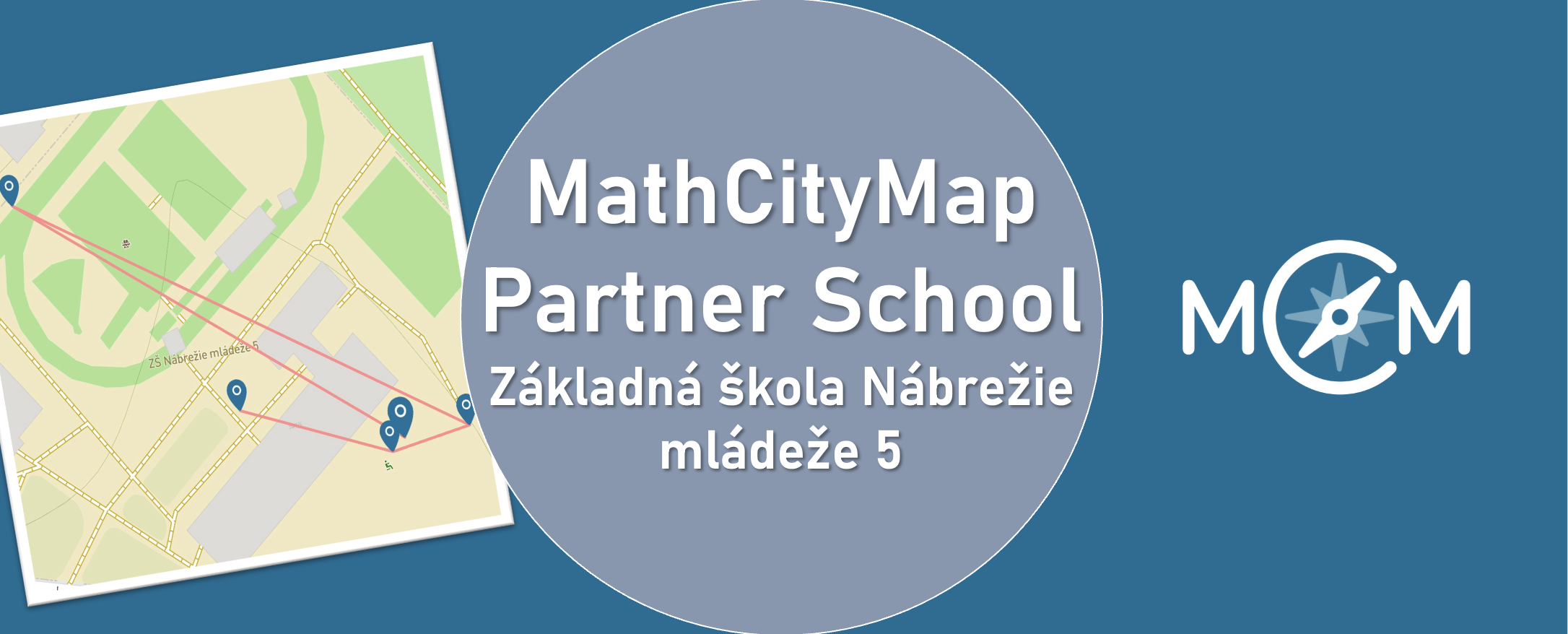
We are happy to announce Základná škola Nábrežie mládeže 5, Nitra as our new MathCityMap Partner School!

Three trails comprising a total of 19 tasks have already been created and published. They can be found in the portal under the following codes:


Teacher Eva Grunnerová reports her experiences:

“The tasks were developed in cooperation with students of our school. They subsequently implemented and solved them together with younger classmates, which helped identify and eliminate shortcomings in the wording of individual assignments.

We consider mathematical walks to be an innovative teaching method that effectively connects theoretical knowledge with its practical application in a real-world environment while also supporting active student learning.”


We are thankful for the engagement and are looking forward to continuing working together.


The package with the official partner school badge and the MCM measuring instruments is on its way and we are looking forward to receiving more applications from all over the world.


All further information on the partner school programme and the requirements for application can be found both in the article on the first MCM partner school and on the homepage of our MaSCE³ project.

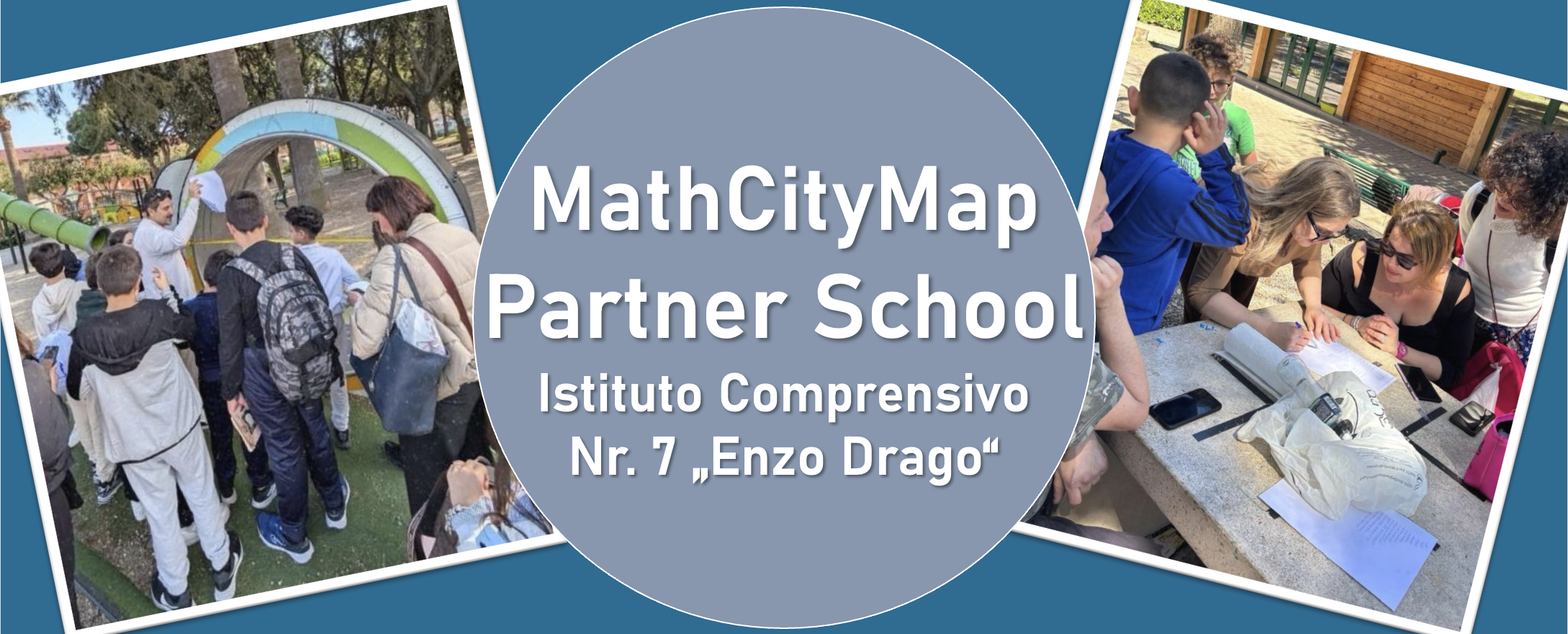
We are very pleased to welcome l’Istituto Comprensivo n. 7 “Enzo Drago” in Messina as a new MathCityMap Partner School!


Teacher Virginia Ruggeri shares her experiences with MathCityMap:

“At our school, we have successfully developed and trialled various outdoor educational activities based on the MathCityMap platform, aimed at promoting active, hands-on and engaging mathematics learning through exploration of the local area and problem-solving in real-world contexts.

In particular, the following courses have been developed and already tested with students:


  • “Math in Action” – Code: 7931657
  • “Calcoli in villa” – Code: 3831314
  • “Matematica in Villa” – Code: 8931302


All the courses have been designed with the aim of bringing mathematics to life outdoors, encouraging problem-solving, collaboration and motivation among pupils. The activities have been enthusiastically embraced by pupils from both the school and the local school district.”


We are thrilled to welcome l’Istituto Comprensivo n. 7 “Enzo Drago” to the growing network of schools using MathCityMap and look forward to seeing many more exciting trails from Italy in the future!


The package with the official partner school badge and the MCM measuring instruments has already been delivered and we are looking forward to receiving more applications from all over the world.


All further information on the partner school programme and the requirements for application can be found both in the article on the first MCM partner school and on the homepage of our MaSCE³ project.