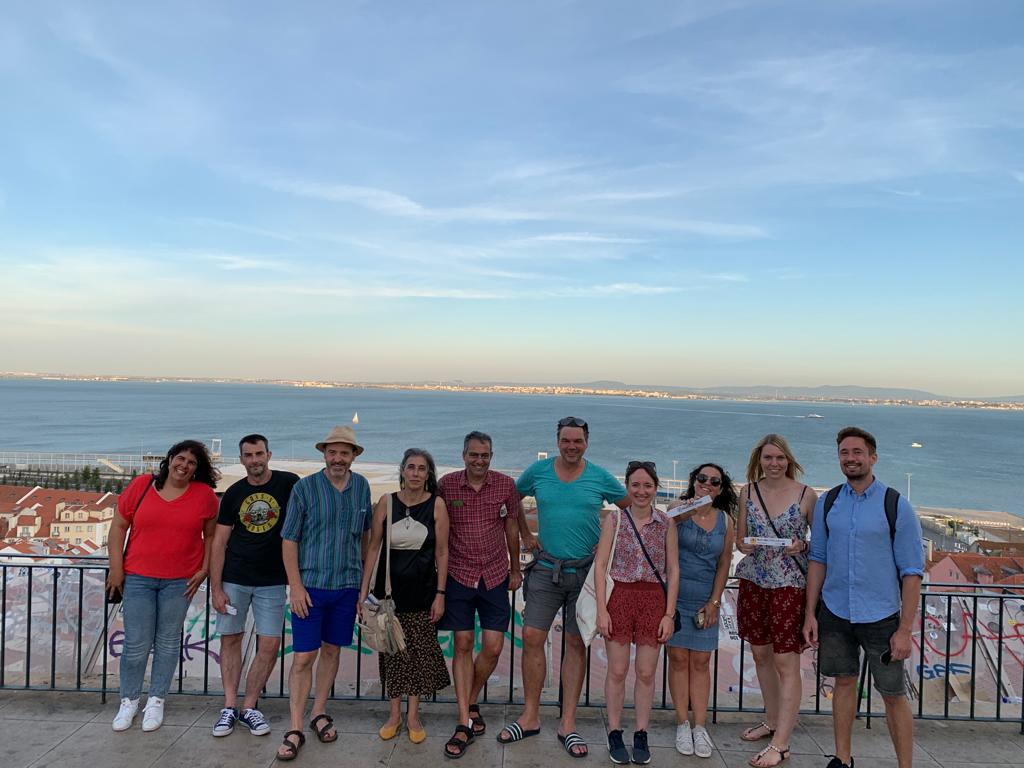
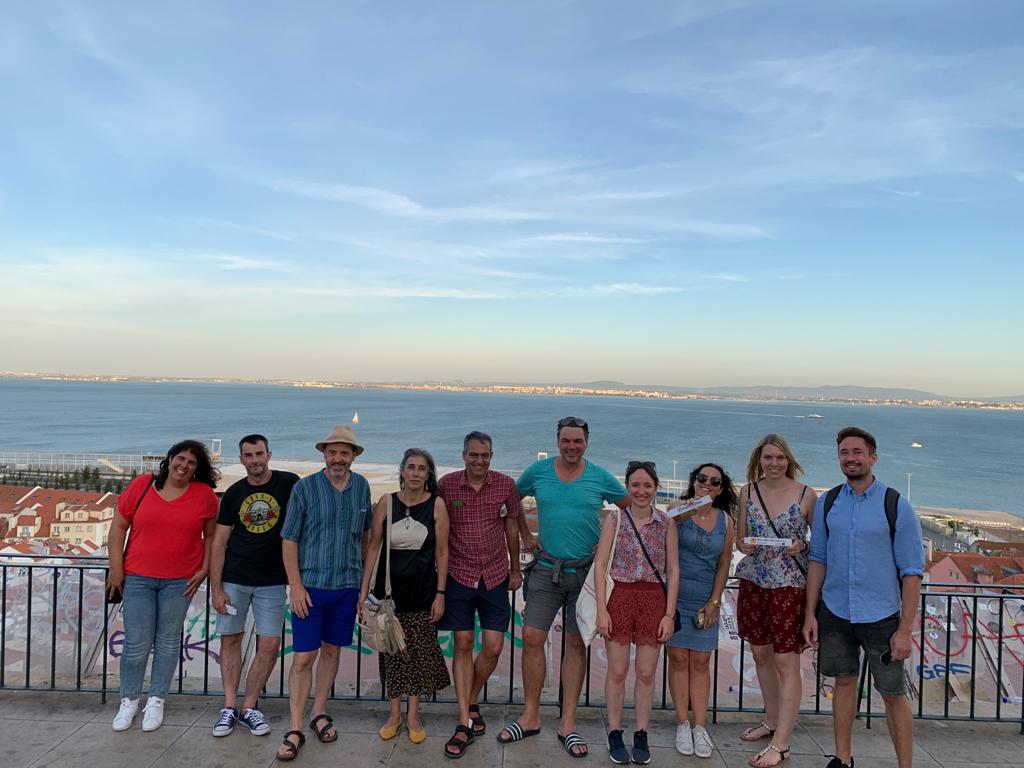
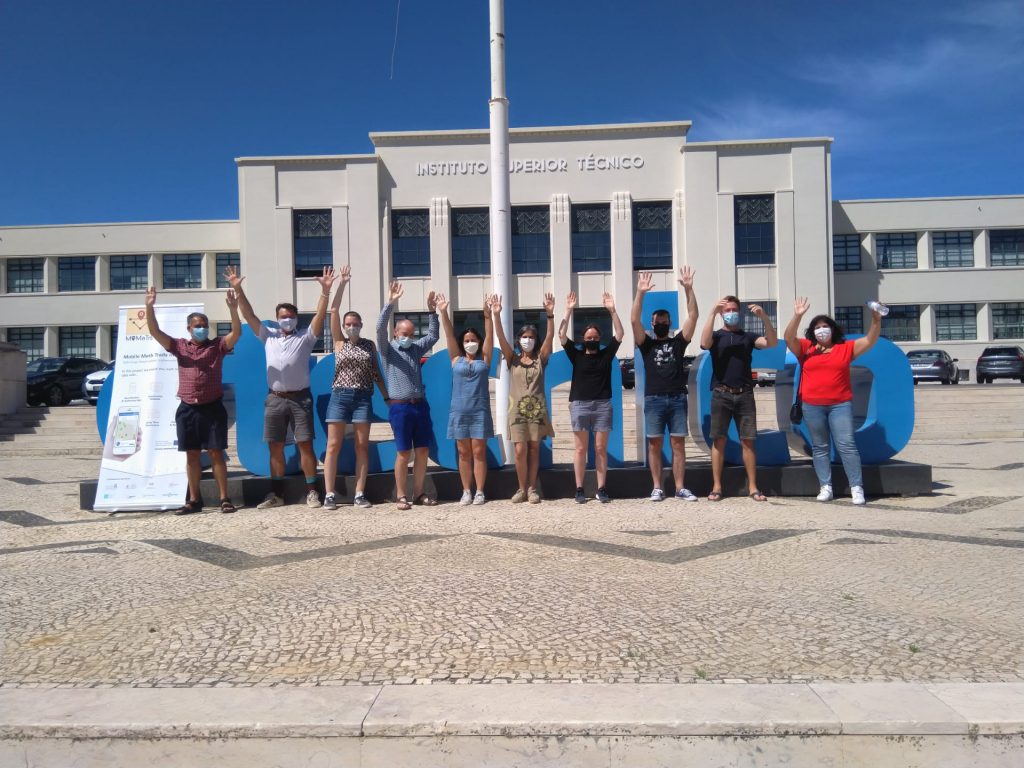
It’s hard to believe, but the three MoMaTrE project years will end on Monday. In order to complete the outputs and results on time, we met with the partners for the final meeting in Lisbon last week. All seven outputs were successfully completed and uploaded to the MoMaTrE project website www.momatre.eu in the section “The Project”.
In addition to intensive work phases, we set up tasks on site and valued the Portuguese culture with Fado music. Our special thanks go to all partners involved, their ideas and their commitment in the recent years. It was a great time and we achieved a lot for the European math trail community!
The seminar “Mathtrails – Digitalization of Outdoor Mathematics Education” of the Goethe University Frankfurt was awarded as one of 13 projects by the MINTchallenge of the Stifterverband for excellent digital teaching during the Corona pandemic. In the seminar, our MCM educators Iwan Gurjanow and Simon Barlovits presented the MathCityMap system to student teachers. Currently, we present the math trails which were created during the seminar in the section “Tested Trails in the Rhine-Main Region”.
With the MINTchallenge under the motto “Studying from a distance”, the Stifterverband’s MINT Club “presents digital teaching and learning formats that enable students to continue their MINT studies during the corona pandemic, and in the long term will be an enriching addition to the MINT studies. With more than 150 candidatures, the Club-MINT-Challenge has met with a great response and shows that the MINT study programmes have mastered the digital semester with creative and innovative ideas”. Click here for the presentation of the thirteen award winners by the Stifterverband.
We are very pleased that our Mathtrail seminar was awarded by the Stifterverband!
On July 20, Sanne Kleinhenz, a German student at the Rhön-Gymnasium in Bad Neustadt, created the 15,000 task on the MathCityMap web portal. After the summer holidays, Sanne and her class mates will publish three new trails in Bad Neustadt. We are looking forward to it! In the following interview, Sanne Kleinhenz explains how MCM is used in her school.
Dear Sanne, how did you get to know MathCityMap? How do you use MCM at school?
I am a student at Rhön-Gymnasium and we work with MathCityMap in the P-Seminar. The project seminar in Bavaria is designed to prepare upper school students for their choice of studies and profession. The P-Seminar is generally about learning to work independently and in groups. We (14 students) have chosen the P-Seminar with the name MathCityMap (leading subject mathematics). First we got familiar with the app and website by creating a small trail through our school building together.
Divided into three groups we created tasks at different locations in Bad Neustadt. The idea was not that everyone should do their tasks alone, but that we work together and finally have three varied trails. Before the summer holidays we created all tasks (three for each student). In the new school year we will discuss together which tasks will be included in the trails and if they need to be improved.
Working with MathCityMap is very suitable for our P-Seminar, because at the beginning a lot of planning has to be done together, then the tasks are created independently and it is necessary to exchange with your classmates during this time.
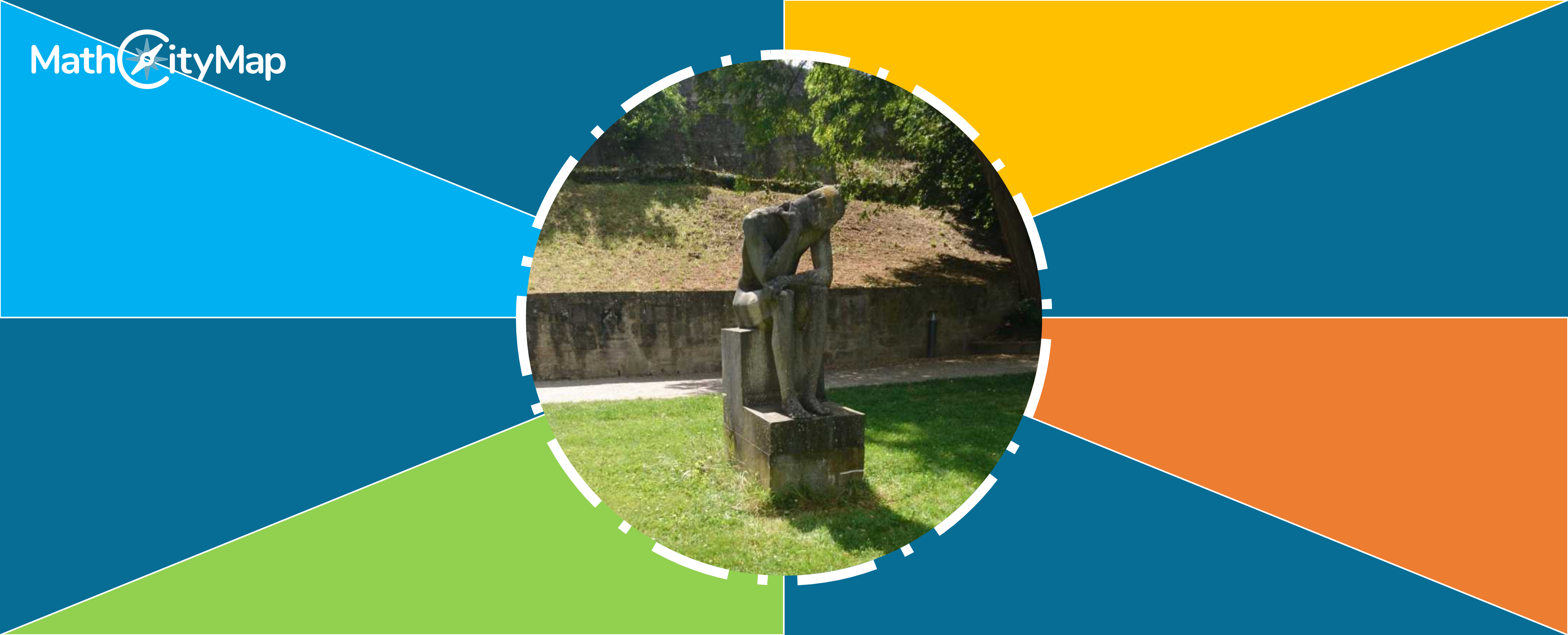
The task formulation of the 15,000th task “Shoe size of the statue” is: Shoe sizes can be determined with the help of the Parisian stitch. The number of Parisian stitches needed for the length of the foot is the shoe size. Calculate the shoe size of the statue and round your result to whole numbers. (1 Paris stitch = 2/3 cm). What is the idea behind your MCM task “Shoe size of the statue”?
Since this task is probably the first one of the trail, it should be an easy start. To avoid that the students are confused and immediately overchallenged by the task, the first hint should make clear what the first step is. First of all you need the length of the foot, i.e. you have to measure it. So the first hint should show that it is easier to solve a task in steps.
In order to solve a task correctly, one must always understand what exactly is required. The second hint is to help the students to find the right steps when they do not know what is required. After that only the actual solving of the task is missing. The task can be solved in different ways. As indicated in the last hint, the rule of three can be used. But another way of thinking is also possible (indicated in the 2nd hint): You ask yourself how many Parisian stitches fit into the foot length, i.e. the length divided by the Parisian stitch.
The statue to be examined has a foot length of 39 cm. Using the rule of three (or by dividing the foot length by the Parisian stitch), it can now be calculated that this equals shoe size 59.
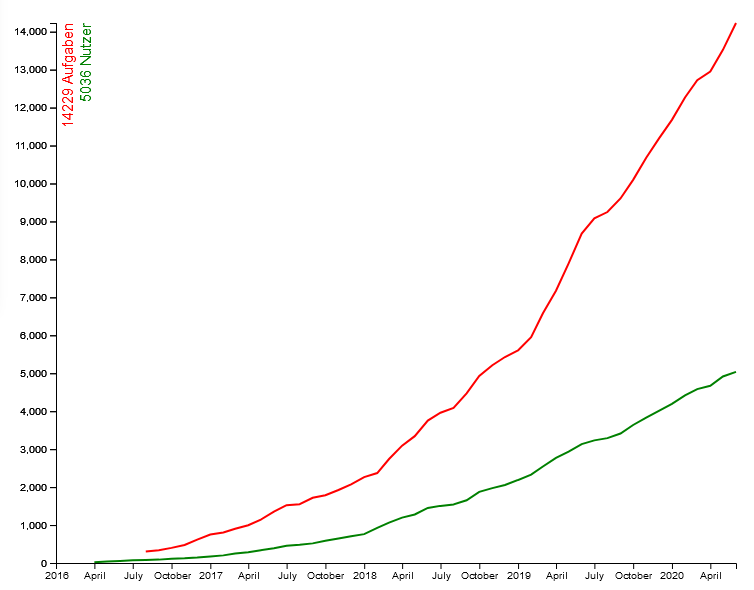
Development of the number of registered users and task on the web portal.
In June, we celebrated the 5,000th user joining the MCM community, now there are already 5260 users. In the past two weeks, 381 new tasks were created, so that we now have a total of 15,381 tasks (as of 04.08.2020).
The MathCityMap team thanks all users for their multifaceted ideas. We are looking forward to many more tasks and trails!
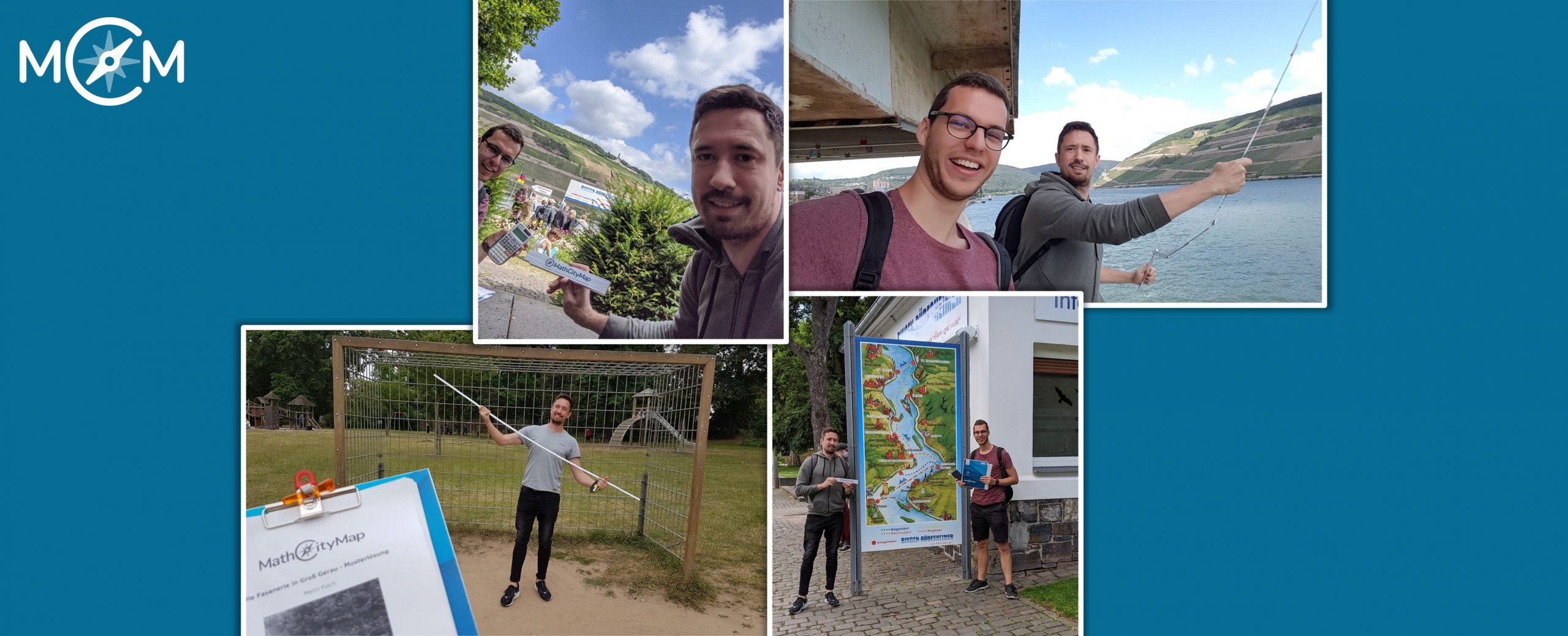
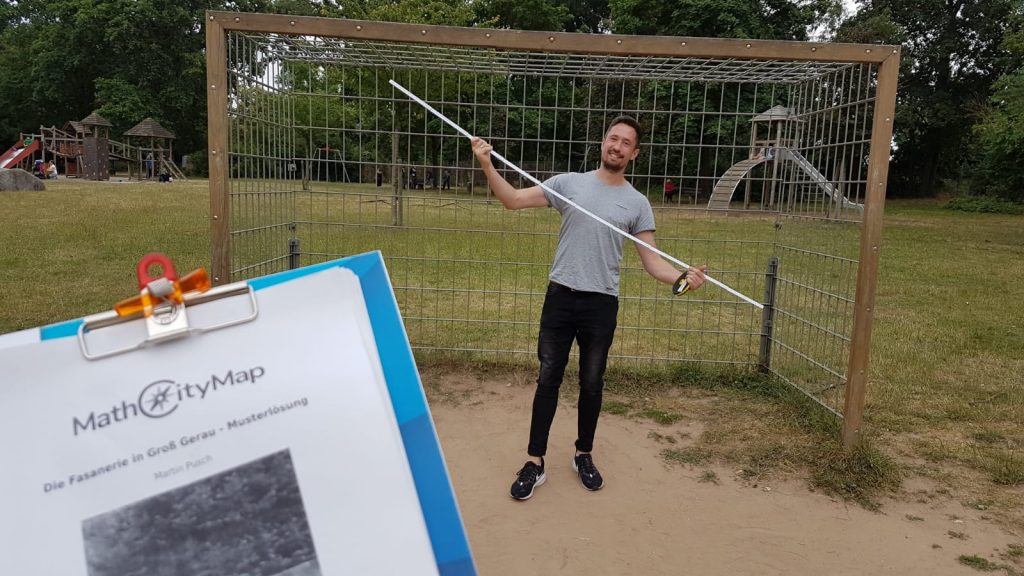
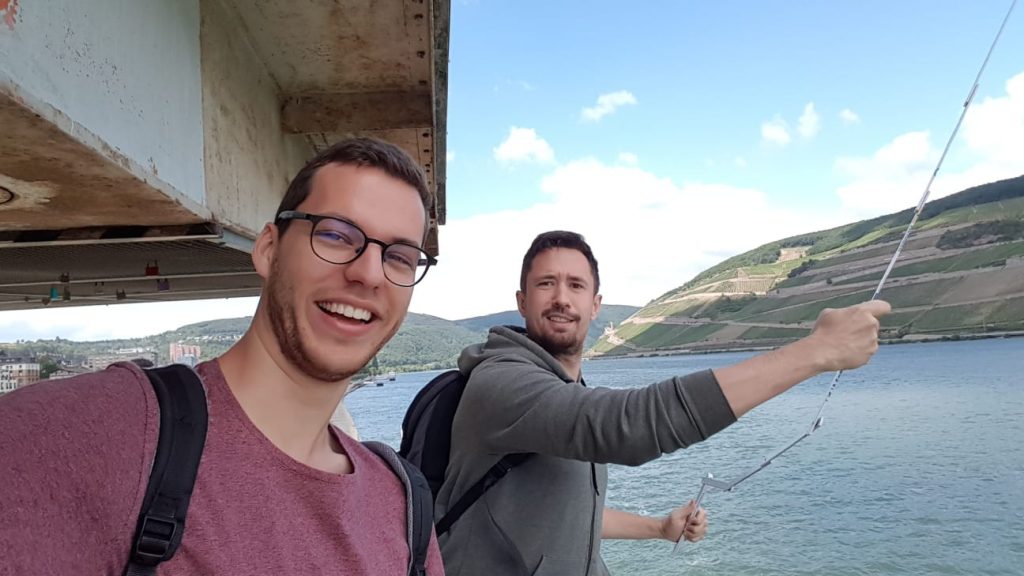
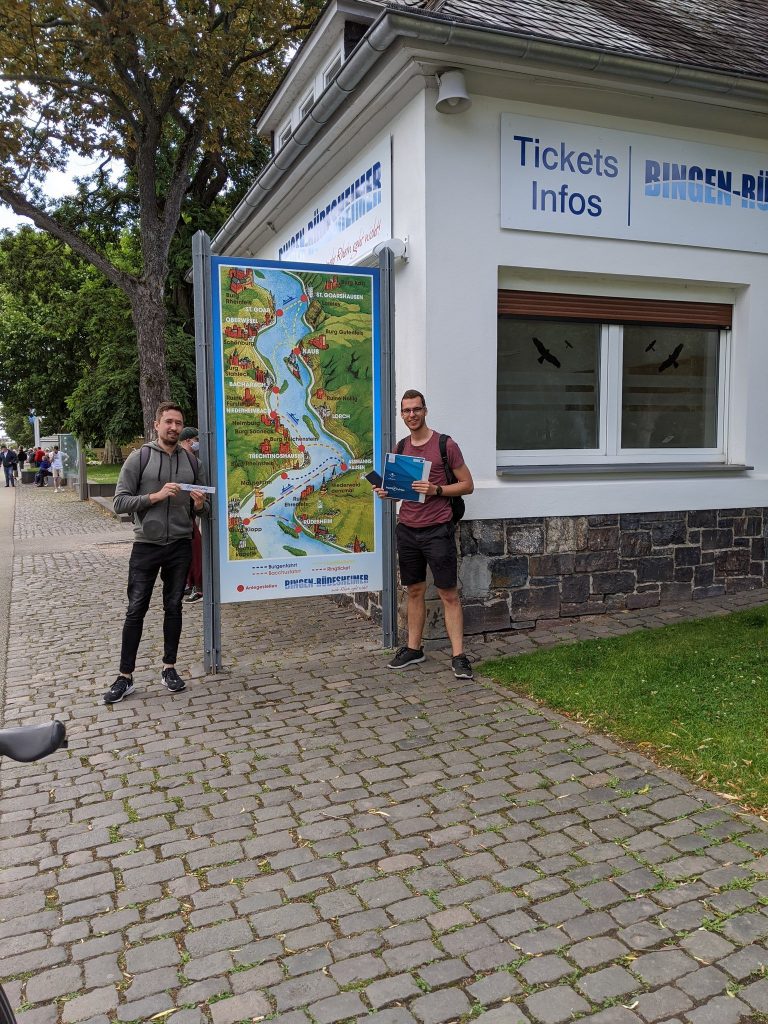
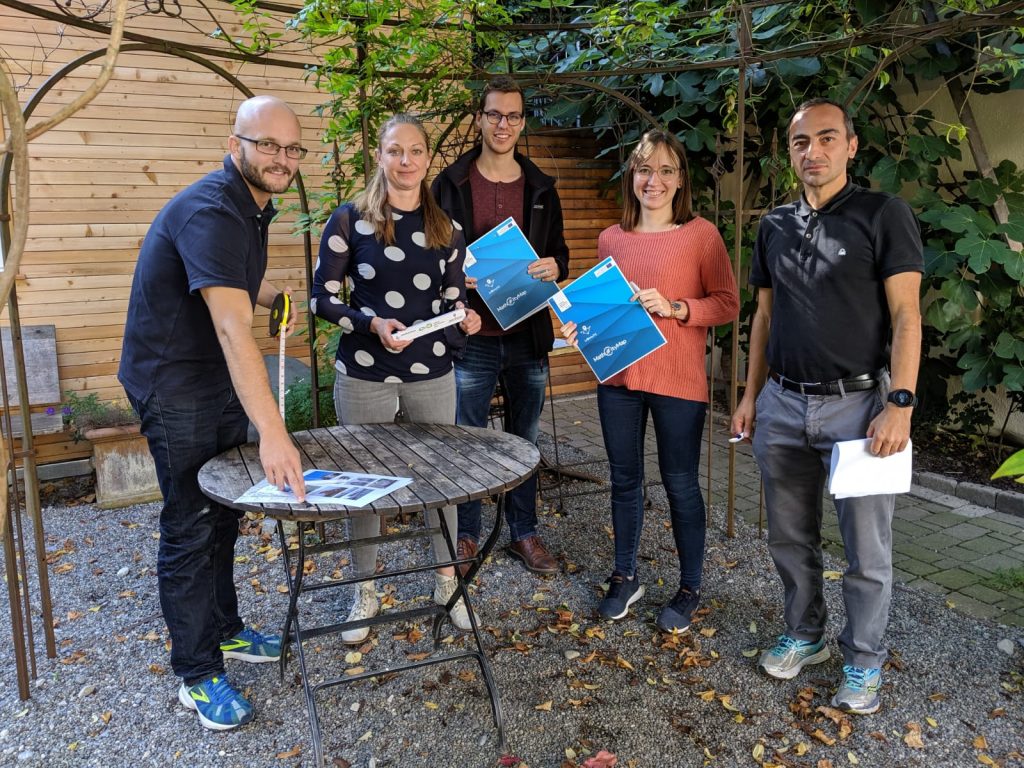
On Monday, Iwan and Simon from the MathCityMap team Frankfurt (About Us: The MCM Team) measured, calculated and counted in the beautiful town of Bingen on the Rhine and in Groß-Gerau, Germany.
As part of the Mathtrail Seminar at the Goethe University Frankfurt, which is guided by Iwan and Simon, students created their own trail near their living place.A mutual review of the tasks is also part of the seminar: Both for experienced MCM users and “MCM rookies” a second look at the task is worthwhile, e.g. to modify the solution interval, improve the hints or clarify the task formulation.
We had a lot of fun while working on the two trails and are looking forward to their publication!
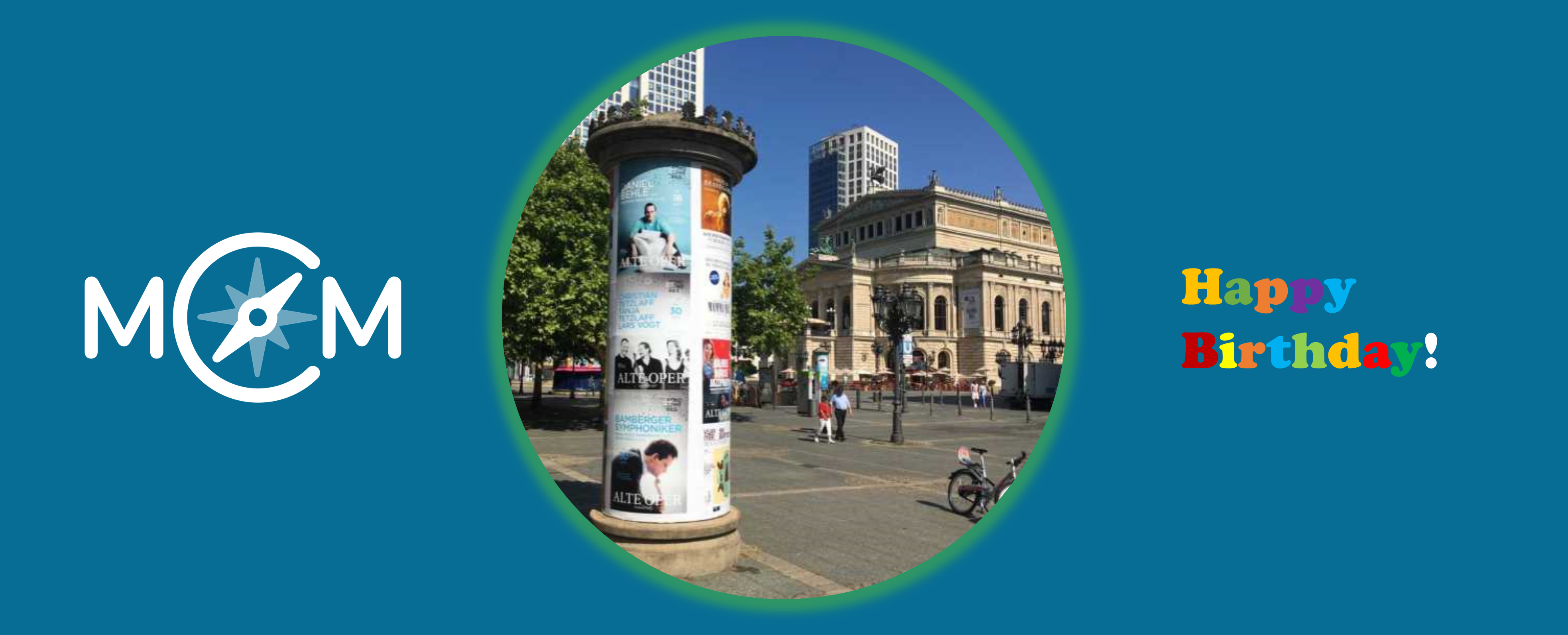
It’s the advertising pillar’s birthday! The first advertising pillar was installed in Berlin 165 years ago today. The advertising pillar has prevailed – and still shapes the cityscape today. Of course, the advertising pillar is also interesting from a mathematical perspective: In addition to calculating the volume or the surface area of the circular cylinder, the question of the maximum number of advertising posters can also be asked.
Advertising pillar at the Commerzbank: How many DIN A0 posters can be attached to the advertising pillar on edge and without overlap? DIN A0: width = 84cm; height = 119cm.
To answer this question, learners have to measure the height and the circumference of the advertising pillar in order to calculate the number of posters. Learners are often surprised by the actual size of the circumference. The height of the advertising pillar is then divided by the height of the poster [number of rows of posters] and the circumference of the pillar by the width of the poster [number of posters per row]. The product of both calculations is the number of posters that can be attached. If the posters may also be hung crosswise, the calculation described must be repeated in order to determine the maximum number beyond doubt.
And now the best: For the advertising pillar task, MathCityMap provides a prepared template, a so-called Wizard Task.
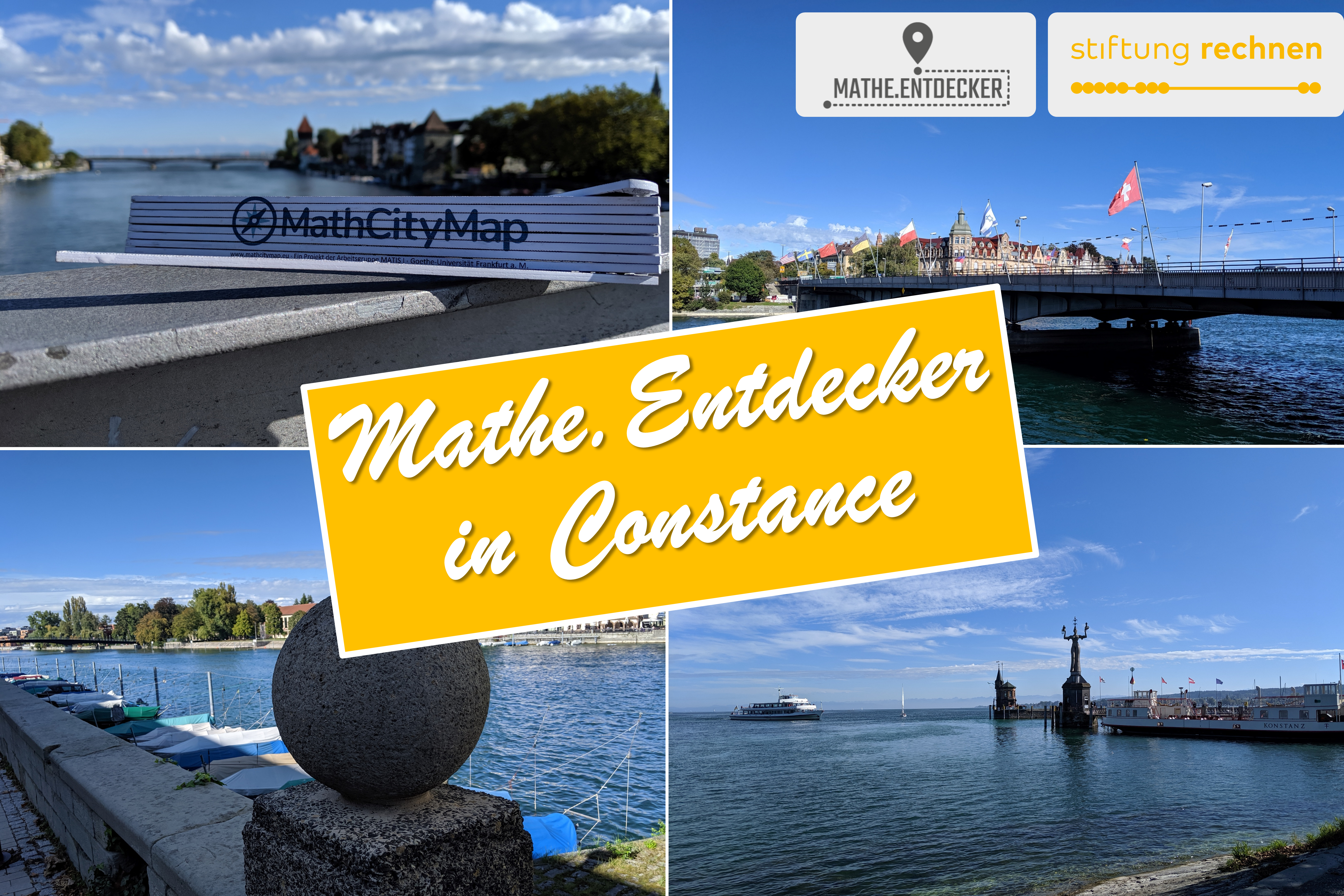
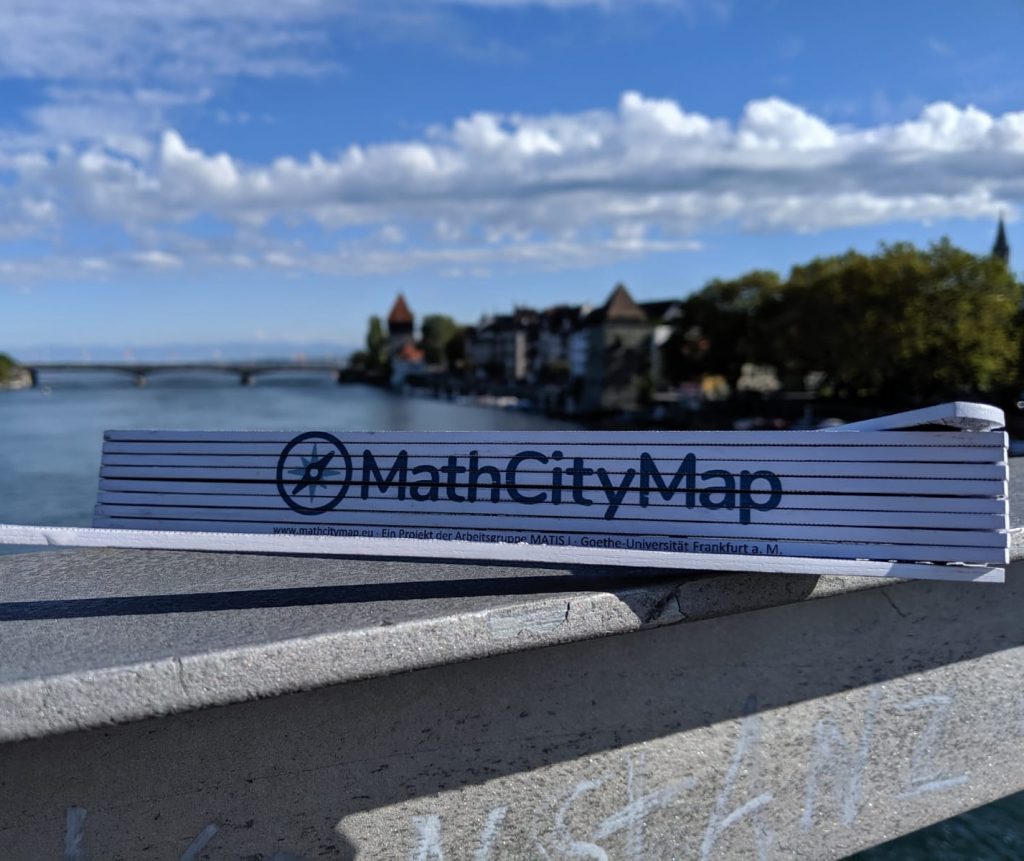
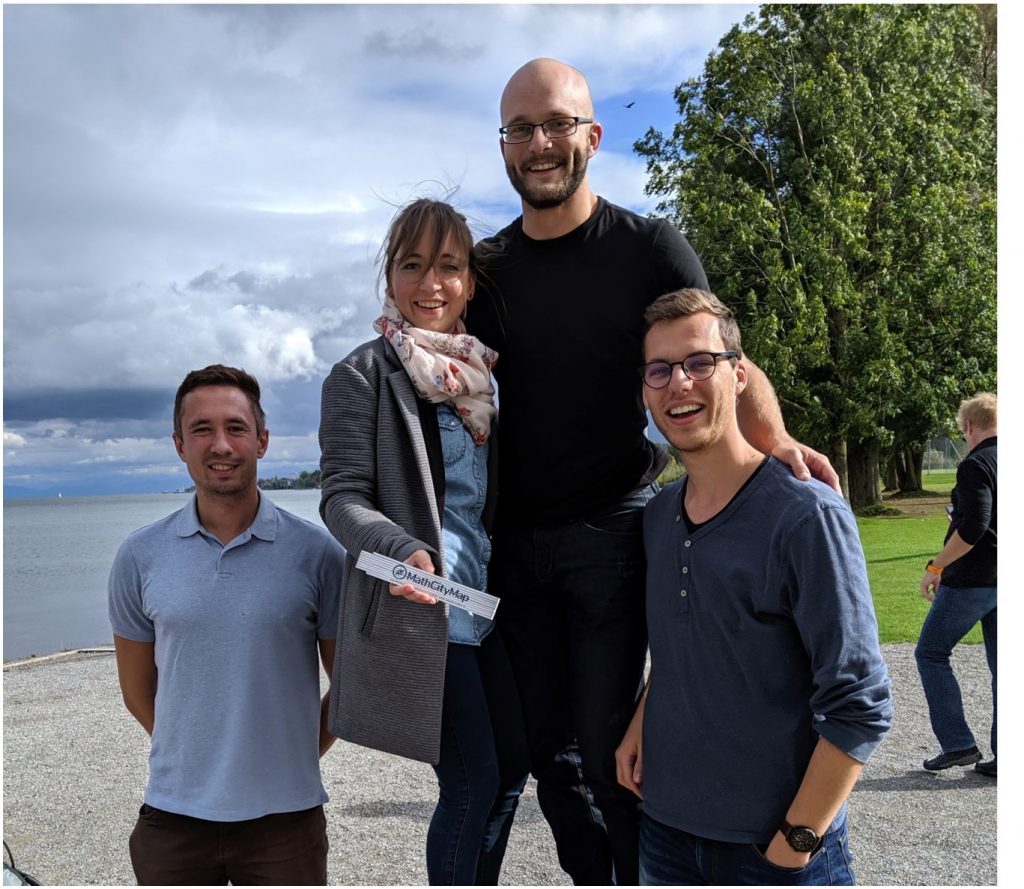
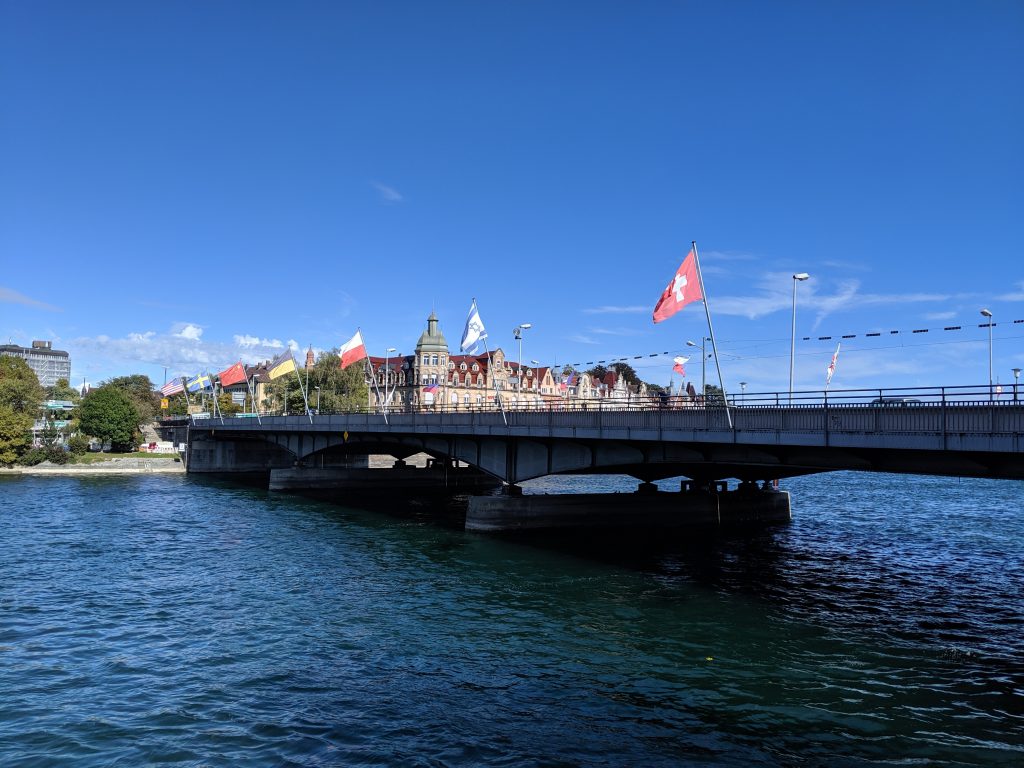
Last October, the MathCityMap team from Frankfurt visited the city of Constance [dt. Konstanz]. At Lake Constance our team is laying out a total of 14 new trails, which will be released today!
With the support of the Stiftung Rechnen and the city of Constance we have created many interesting math trails for classes and families in the beautiful city of Konstanz. The Mathe.Entdecker trails [engl. Discovering.Maths trails] lead around the harbour, along the Rhine promenade, through the city centre or through the Paradise Quarter. In addition, a “border trail” was created on the German-Swiss border. However, the grand opening with school classes trying out the mathtrails had to be cancelled due to the Corona pandemic. With the following links you can access the articles of Stiftung Rechnen and Marketing und Tourismus Konstanz GmbH about our new math trails.
In the following we list all our created trails in Konstanz. We wish you a lot of fun and success!
Our community is growing rapidly: One week ago, Lorenzo Salucci, a student teacher from Luxembourg, registered as 5,000th user in our portal. All in all (and despite of Corona), we have already welcomed more than 1,000 new users to MCM this year. Our “anniversary user” Lorenzo Salucci gave us an interview about the MathCityMap system which is presented in the following.
Mr. Salucci, you are a student at a Luxembourg university. How did you get in contact with the MathCityMap project? How is it used in the university?
Exactly, I am a student at the Université du Luxembourg and am studying to become a teacher. I came across the MathCityMap project in our mathematics course “Didactics of Mathematics”. In our course, the project is used as a substitute for exams because of the Covid-19 pandemic. We have to create a math trail in small groups near primary schools in Luxembourg. These are then evaluated by our teachers and fellow students.
Have you already had your first practical experience with MCM? What do you expect or promise from the use of MCM in everyday school life?
Personally, I haven’t had the opportunity to do a trail yet, but I plan to try out a math trail in the next few weeks. I believe that the use of an MCM makes it possible to give the students an understanding of mathematics in the outside world. Many people think that mathematics is only taught very theoretically at school. However, the MCM gives you the opportunity to bring applied and realistic tasks as well as other mathematical riddles into real everyday situations.
You have already created your own tasks. What is it about exactly?
Together with two colleagues we have already created our own trail “Mathematik Trail nahe der Scheierhaff-Schule” (engl.: “Math Trail near Scheierhaff School”; Code: 452734). This trail is located on the property of the primary school “Scheierhaff” in Soleuvre, Luxembourg. One task from this trail is located in the playground of the kindergarten, the object of the task is a raised bed. The mathematical topic of this task is the volume. The students have to calculate the volume of this raised bed. One of our teacher’s demands is that we give the pupils two tips on how to solve the task, so we decided to give the children the formula for the volume (volume = length x width x height) and we gave them the hint that 1 meter corresponds to 100 centimeters.
More than 14,000 tasks (red line) have been created by now more than 5,000 users (green line) in the past four years. That’s great! Thanks to all active users of our system!
We are very pleased to announce the publication of our ROSETA proceedings (Research on Outdoor STEM Education in the digiTal Age) as online open access: https://doi.org/10.37626/GA9783959871440.0
The conference was planned within the framework of our Erasmus+ project MoMaTrE. All MathCityMap related papers in our ROSETA proceedings can be separately downloaded via the added doi-links.
MathCityMap related papers in the ROSETA proceedings:
Despite the Corona crisis, we look forward to working with students to gain exciting insights into extracurricular learning, the use of digital media and the use of MathCityMap.
In this video, student teachers of the Goethe University Frankfurt explain what they expect from our MathCityMap seminar in the summer semester 2020.
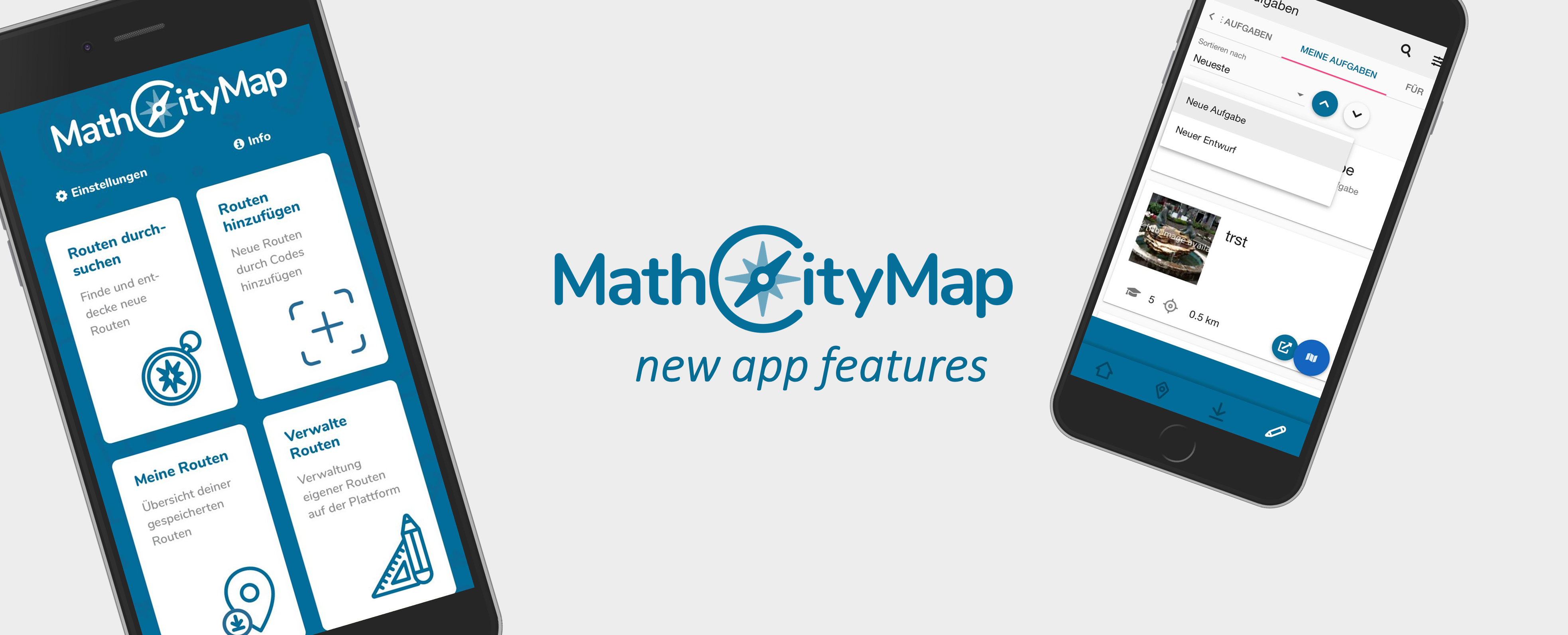
After launching our new web portal three weeks ago, we now celebrate our new MathCityMap App Update! In the following we present the new features:
New features:
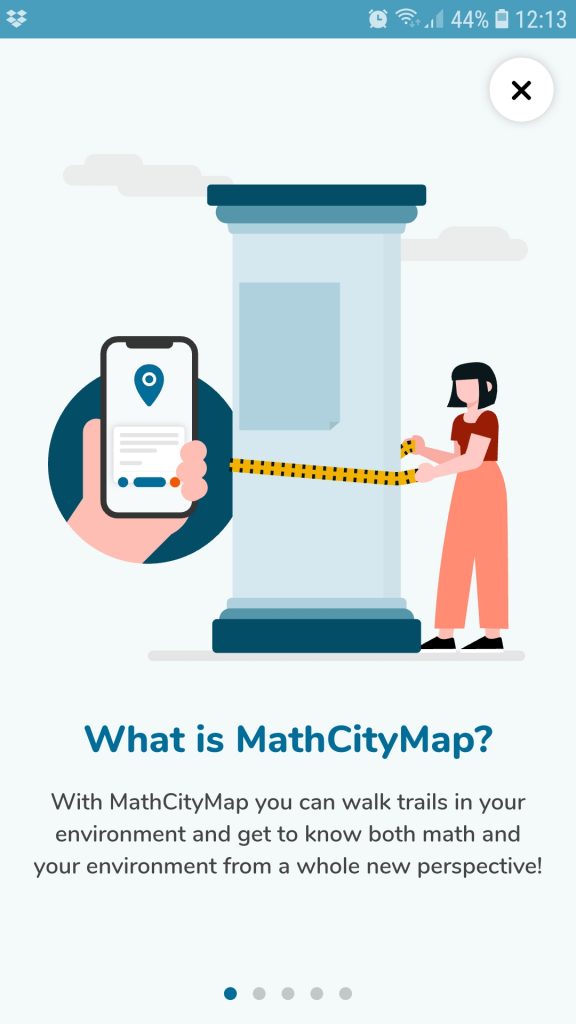
Our onboarding introduces the system with just a few clicks: With the help of our explanations the start into the world of MathCityMap is now even easier (photo 1).
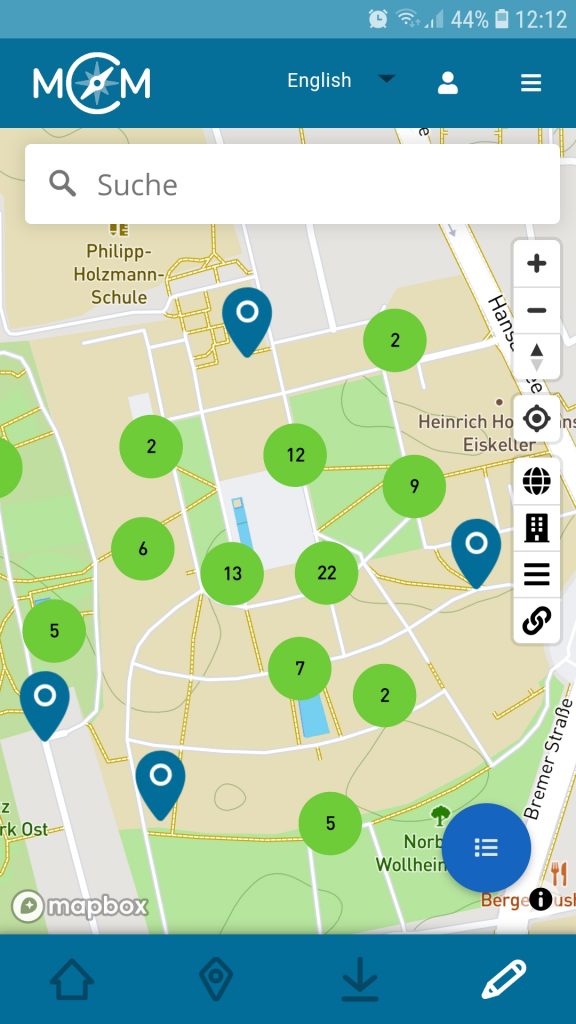
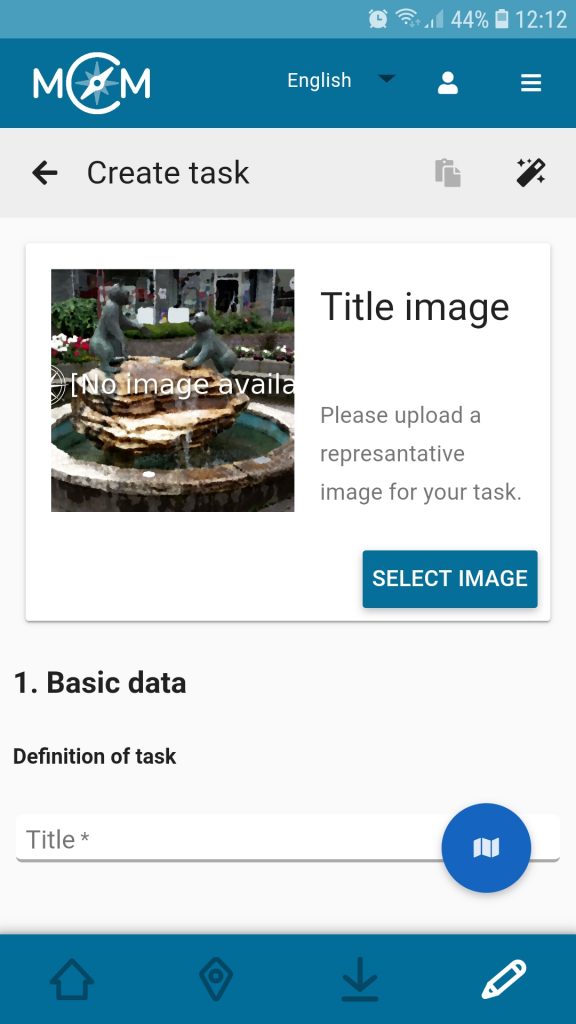
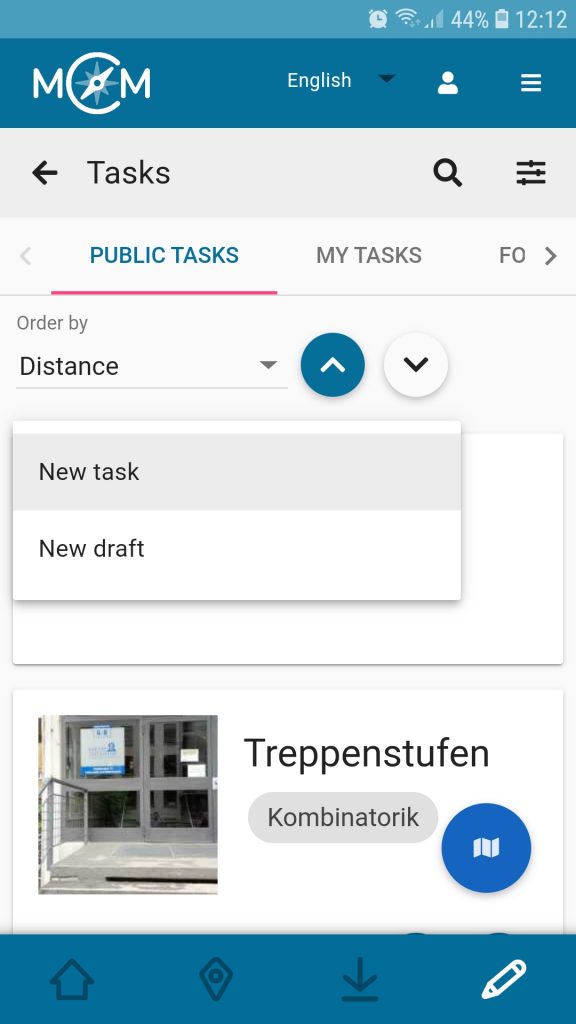
The author area is now available: With the MathCityMap app, registered users can create tasks while on the go via smartphone or tablet. Here it is possible to either create a complete task analogous to the web portal or to prepare a short draft which can be edited later at any time (photos 2 to 6).
The chat in the Digital Classroom was extended: Now it is also possible to send voice messages or pictures besides classic text messages. This allows teachers to support learners even better and more specifically via chat.
Our onboarding explains the functions of the MCM app.
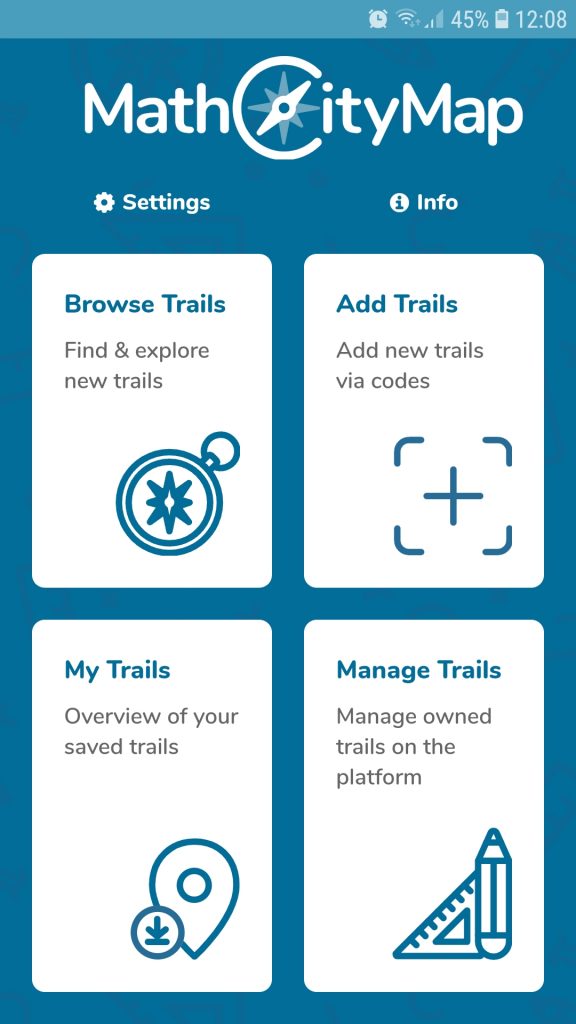
The editor view “Manage Trails” is now available.
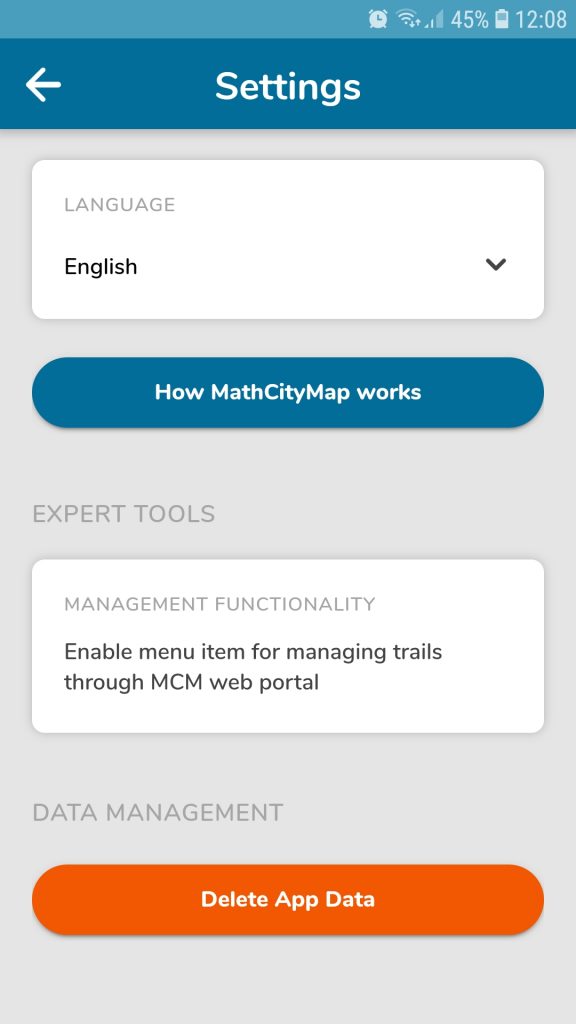
Select the expert mode under “Settings”.
Now you can create tasks & trails via smartphone or tablet.
Choose between a new task or a draft. which can be edited in future.
Creation via app is now done in the same way as for the portal.
The MathCityMap idea:
With the MathCityMap app, students, teachers and individuals can rediscover their own environment from a mathematical perspective: Mathematical hiking trails, so-called maths trails, can be followed all over the world with the help of the MathCityMap App. After all, there are a multitude of mathematically interesting objects everywhere!
MathCityMap combines the editing of mathtrails with the possibilities of modern technologies such as GPS localization for orientation purposes, a support system through stepped hints and a feedback system. Mathtrails, once downloaded, can also be used in offline mode. The app is available in eleven different languages, including German, English, Spanish, Italian and French.
On our website you can become active yourself after a free registration and create your own tasks and mathtrails.
Webportal & App are developed by the working group MATIS 1 at the Institute for Didactics of Mathematics and Computer Science at the Goethe University Frankfurt am Main. Due to funding within the framework of the Erasmus+ projects MoMaTrE and MaSCE³ we can provide the app free of charge and free of advertising as well as conforming to data protection regulations.