Happy Birthday: 165 Years of Advertisement Pillar

It’s the advertising pillar’s birthday! The first advertising pillar was installed in Berlin 165 years ago today. The advertising pillar has prevailed – and still shapes the cityscape today. Of course, the advertising pillar is also interesting from a mathematical perspective: In addition to calculating the volume or the surface area of the circular cylinder, […]

It’s the advertising pillar’s birthday! The first advertising pillar was installed in Berlin 165 years ago today. The advertising pillar has prevailed – and still shapes the cityscape today. Of course, the advertising pillar is also interesting from a mathematical perspective: In addition to calculating the volume or the surface area of the circular cylinder, the question of the maximum number of advertising posters can also be asked.

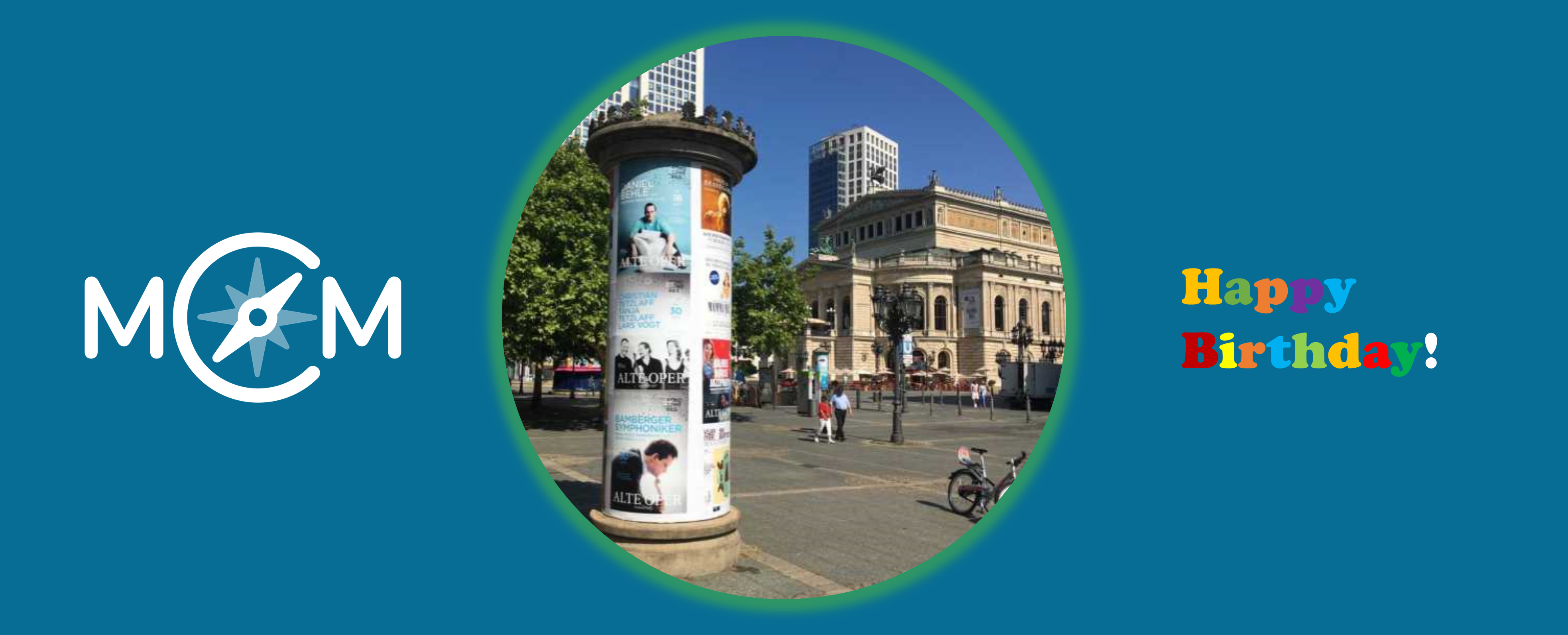
Advertising pillar at the Commerzbank:
How many DIN A0 posters can be attached to the advertising pillar on edge and without overlap? DIN A0: width = 84cm; height = 119cm.

To answer this question, learners have to measure the height and the circumference of the advertising pillar in order to calculate the number of posters. Learners are often surprised by the actual size of the circumference. The height of the advertising pillar is then divided by the height of the poster [number of rows of posters] and the circumference of the pillar by the width of the poster [number of posters per row]. The product of both calculations is the number of posters that can be attached. If the posters may also be hung crosswise, the calculation described must be repeated in order to determine the maximum number beyond doubt.

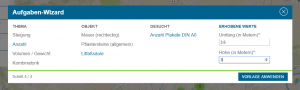
And now the best: For the advertising pillar task, MathCityMap provides a prepared template, a so-called Wizard Task.
Task of the Week: Age of the Tree

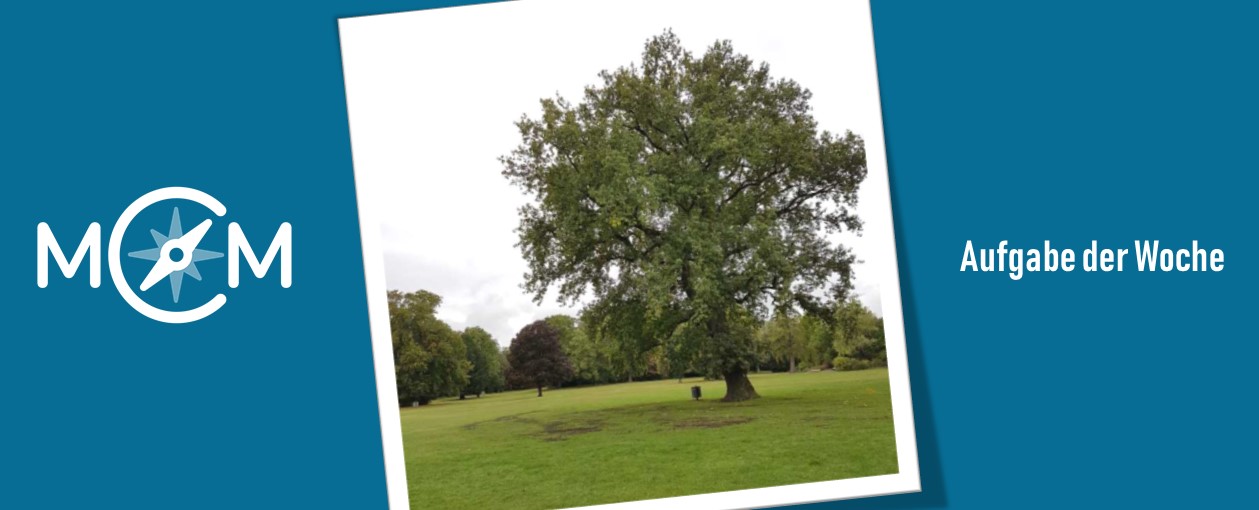
“How old is this tree?” is the question of our current Task of the Week, which is located in Karlsruhe, Germany. Matthias Ludwig, the head of the MathCityMap team at Goethe University Frankfurt, gave us an interview about this task type. Please describe this task type. How the age of the tree could be ascertained? […]

“How old is this tree?” is the question of our current Task of the Week, which is located in Karlsruhe, Germany. Matthias Ludwig, the head of the MathCityMap team at Goethe University Frankfurt, gave us an interview about this task type.

Please describe this task type. How the age of the tree could be ascertained?

The task type “Age of the Tree” connects the learning of mathematics with non-mathematical knowledge or more specifically with information about trees: What does an oak, a beech or a lime tree looks like? How fast the tree species grows? Lots of further botanic questions could be examined subsequent to this task.

The classic solution process is to measure the circumference of the tree trunk at first, followed by the calculation of its diameter. However, students can also solve this task, if they don´t know the formula for the circumference yet. They can ascertain the diameter of the tree by measuring the distance between two parallel lines, which are both tangent to the trunk. If the students determined the diameter on one way or the other, they can approximate the age of the tree for example by using the rule of three.

The task “Age of the Tree” became a part of our task wizard a few weeks ago. The wizard provides all users prepared MathCityMap tasks, which can be created only by adding the measured data and a photo of the object – the sample solution and the hints emerge as if by magic.

Which didactic aims do you want to encourage through this task type?

In my opinion teachers and students should discover tasks, which exalt their mathematical imagination. For the reason that outdoor learning is highly useful, MathCityMap is one of many interesting ideas for the further development of modern math class.

The task wizard: Creating tasks as if by magic

Creating a MathCityMap task is too difficult and time-consuming? In this article we´ll introduce you to our tool “task-wizard”, which enables you to create tasks with a few clicks. In the following we´ll explain, how to use the “task-wizard”. In all cities exist similar objects, which provide many possibilities for outdoor mathematics. For those objects, […]

Creating a MathCityMap task is too difficult and time-consuming? In this article we´ll introduce you to our tool “task-wizard”, which enables you to create tasks with a few clicks. In the following we´ll explain, how to use the “task-wizard”.

In all cities exist similar objects, which provide many possibilities for outdoor mathematics. For those objects, e.g. the gradient of a ramp or the mass of a cuboid stone, we prepared standardized templates in our web portal. Altogether, we arranged twenty variegated templates for the themes combinatorics, algebra (functions) and geometry.

To create a new task with our wizard, you only have to choose one of the given templates and put in a picture of the object and your measured values. As the wizard generates the sample solution and the hints (partly with pictures) automatically, the tool allows you to create a task with only a few clicks.

Step-by-step instruction:

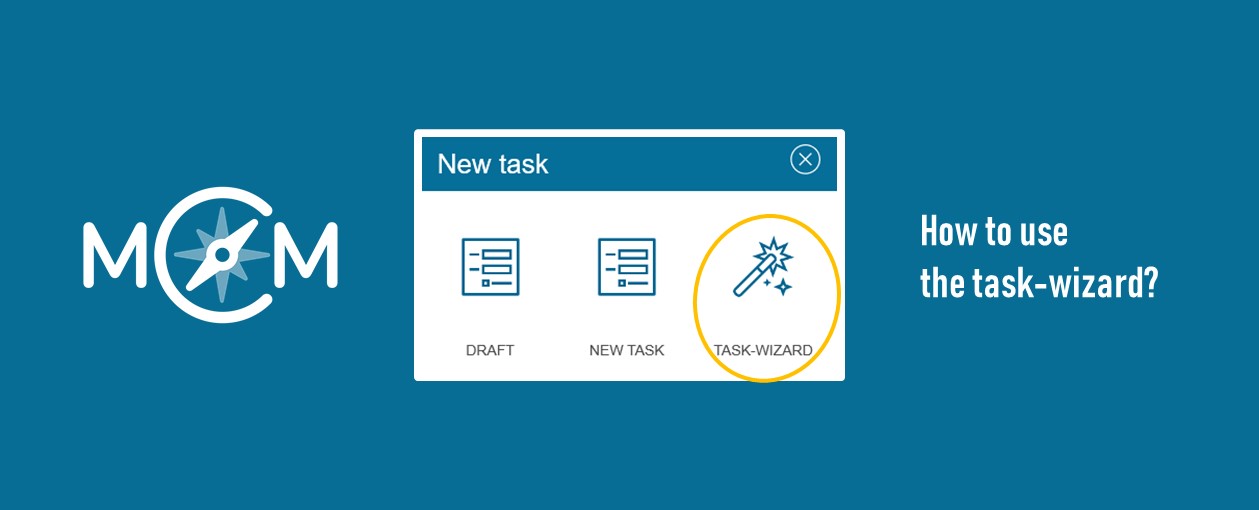
  1. Open the option „New task” in the MathCityMap portal
  2. Click on the option „Wizard“.
  3. Choose your favoured „Wizard-task” (e.g. velocity – escalator – velocity in m/s) and fill in your measured values.
  4. Upload a picture for your task and define the geolocation, Done!

Have fun!

MCM Themed Week: Generic Tasks

MathCityMap stands for outdoor mathematics, authentic tasks, physical activity, new technologies and teamwork. And we assert: The combination of these aspects works (almost) everywhere and just like magic … … because in every city there are stairs, buildings, parking lots, ramps, signs and many other recurring objects where you can  do math actively. These objects […]

MathCityMap stands for outdoor mathematics, authentic tasks, physical activity, new technologies and teamwork. And we assert: The combination of these aspects works (almost) everywhere and just like magic …

… because in every city there are stairs, buildings, parking lots, ramps, signs and many other recurring objects where you can  do math actively. These objects offer the chance to easily and quickly transfer existing tasks to other locations. We call these tasks generic tasks. The idea behind is thus a finished question in which only the object is exchanged and the measuring values ​​are collected.

Very frequent generic tasks can already be created using the Task Wizard. This makes it possible to create complete tasks with just a few clicks, because sample solution and hints are generated automatically and inserted by the wizard.

In the following months, we will present a variety of topics from our catalog, which can be realized through generic tasks, e.g. slope, determine and estimate numbers, combinatorics and probability, speed, areas, volume and weight. It is an open and always growing fund. We are therefore pleased about your ideas for generic tasks!

Create Tasks magically – The Task Wizard is online!

It has been a bit longer since there was a bigger update of the MCM web portal. But now it is time and it brings two major innovations with it. Task Wizard The Task Wizard allows you to create complete tasks with a few clicks. The author has to find a suitable object in his environment, take a picture […]

It has been a bit longer since there was a bigger update of the MCM web portal. But now it is time and it brings two major innovations with it.

Task Wizard

The Task Wizard allows you to create complete tasks with a few clicks. The author has to find a suitable object in his environment, take a picture of it and collect the necessary measurement data. The remaining entries, such as the sample solution and notes, are automatically generated and inserted by the wizard. At first, a set of 12 task templates from the topics slope, number, volume / weight and combinatorics are available. The templates originate from our collection of blueprint tasks and can be formulated on objects which, according to experience, occur almost everywhere:

• Handrail of a Staircase

• Ramp

• Stone Wall

• Paving Stones

• Advertising Pillar

• Large Stones

• Wooden Trunk

• Water basin / fountain.

The task wizard will be expanded step by step. Suggestions for new task templates from the community are gladly taken up! To start the wizard, you just have to click on “New Task” in the portal, then select the magic wand and afterwards you can start.

For a time-consuming, but still good trail, we recommend about 5 own tasks, which are individual and unique for the place, mixed with 5 tasks from the task wizard.  

Quality Traffic Light

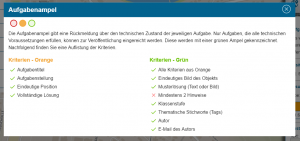
Tasks and routes now have a so-called “Quality Traffic Light” which reflects the technical quality of the element. The traffic light is located in the area where the picture is displayed. By clicking on the traffic light, you can see which criteria are already fulfilled and which can be improved. To ensure that our public tasks and trails continue to be of a high quality, only tasks and routes that show the green light can be submitted for publication.  

Further changes:

• In the route view, the path within the route is also displayed. The starting task is marked with a blue circle.

• Tasks can now be added / removed to a route using a button (“Add / Remove”) in the task preview. This should facilitate routing.

• Quotation marks and line breaks in hints, sample solutions and task texts are now displayed correctly.